Samsung Galaxy S25 Ultra Complete Guide: Specs, Common Problems & Is It Worth Buying?
A previous-generation Ultra can offer appealing hardware, but a discount is only meaningful when the device is sound. The Galaxy S25 Ultra deserves a careful comparison of display condition, battery behavior, cameras and seller support before you commit.
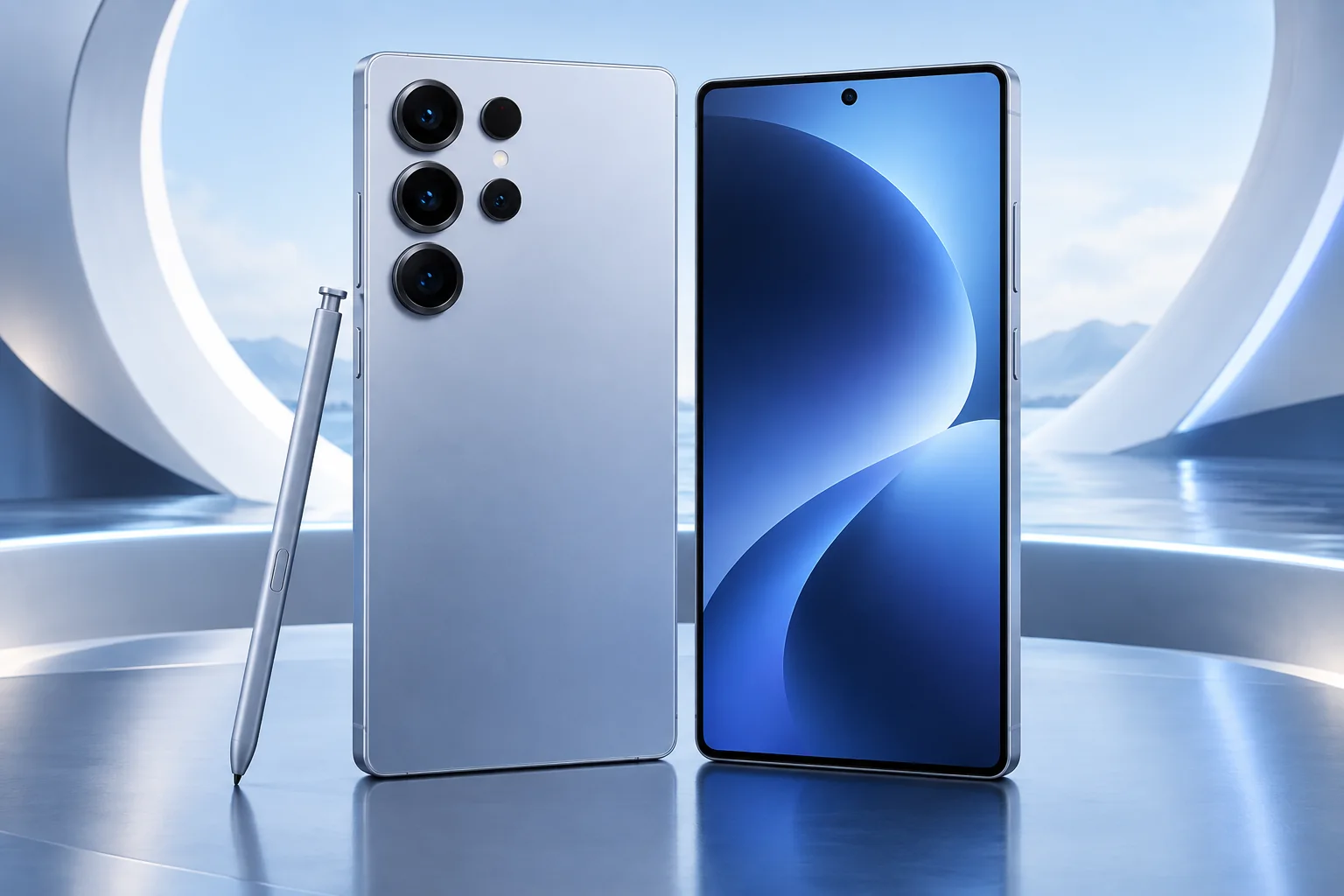
ϟ Quick Expert Summary
The S25 Ultra is a candidate for users who want a large display and several camera perspectives without automatically moving to the newest generation. Buy for those capabilities, not because every former flagship is a bargain. A clean unit with clear ownership and return terms is easier to evaluate than an unusually cheap phone with unanswered repair questions.
Source-based editorial assessment; no hands-on testing or technician case history is claimed.
✓ Best For
- Large-screen Android use
- People who use multiple camera views
- Condition-conscious used buyers
× Not Ideal For
- Small or lightweight phone priorities
- Purchases without a return route
- Replacing a working phone without a clear benefit
Large OLED
6.9-inch display
Camera range
3x and 5x telephotos
Premium platform
Snapdragon 8 Elite
Battery capacity
5,000mAh typical
Know the device.
Choose with confidence.
Camera, battery and repair considerations.
① Key Specifications
| Display | 6.9-inch QHD+ AMOLED; adaptive up to 120Hz |
|---|---|
| Processor | Snapdragon 8 Elite for Galaxy |
| Rear cameras | 200MP main; 50MP ultra wide; 10MP 3x; 50MP 5x |
| Front camera | 12MP |
| Storage | 256GB / 512GB / 1TB configurations |
| Battery | 5,000mAh typical |
| Wired charging | Up to 45W with compatible equipment |
| Resistance | IP68 laboratory rating |
Manufacturer technical specifications
Manufacturer battery and charging tests are not FixUpPhone measurements or guarantees of your daily result.
② FixUpPhone Expert Analysis
The following is ownership and buying analysis based on the cited sources.
Compare complete cost, not the discount label
Start with the amount you will actually pay for the phone, necessary accessories and any immediate repairs. Then compare an equivalent-condition alternative. A large discount from a former launch price is not proof of current value. Return rights and a dependable seller are particularly important when premium hardware is being sold second-hand.
Inspect the screen as a working component
Use plain backgrounds and test touch across the full surface. Check the edges and corners for impact damage and ask about previous panel replacement. A bright photograph in a listing can hide problems that appear during scrolling or low-brightness use. Record functional concerns promptly while a return remains possible.
Test the complete camera system
Try multiple focal lengths and short video clips, not just one main-camera photo. Inspect the protective glass and look for persistent focus problems. Optical hardware and digital zoom are different, and high pixel counts are not a guarantee of better results in every scene. We make no original image-quality or stabilization test claim.
Battery and charging complaints need context
Try a known-working compatible charging setup and review which apps are using power. Poor reception, ongoing setup and demanding tasks can affect runtime. If the phone repeatedly shuts down or develops abnormal physical signs, seek assessment. The battery’s original capacity says little about the condition of one used unit.
Check the details of included accessories
If an S Pen or case is included in a used offer, inspect it and test the functions you expect. Do not assume accessories from another Ultra fit correctly. Confirm exact compatibility for screen protectors and chargers, and account for missing items in your price comparison. A bundle’s quantity is less useful than whether its pieces meet your needs.
Do not turn forum reports into statistics
The phrase common problems in a buying guide should identify useful checks, not invent a failure rate. Touch trouble, charging faults or unusual heat on a specific phone need diagnosis. Ask what was tested and what a proposed repair will address. Replacing multiple parts speculatively can erase the saving that made a used purchase attractive.
③ Pros & Cons
✓ Reasons to consider
- Large adaptive display
- Multiple dedicated cameras
- Premium processor platform
- Can be compared with newer Ultras on total cost
× Trade-offs
- Large body and handling trade-offs
- Used condition varies substantially
- Display damage can affect the economics
- Accessory and charging compatibility still matter
Ready to Buy? Check Latest Prices
Check Samsung’s current listing and reputable seller terms for the exact model. We do not publish a fixed current price because storage, condition and promotions vary. Include any required service in your comparison before deciding an older Ultra is cheaper.
Check available models and purchase terms
No affiliate links are used. Prices and stock can change; a current offer is not implied. Additional approved retailers can be added later.
④ Repairability & Common Repair Needs
Screen and touch faults
Describe whether the issue is glass damage, lost touch, flicker or persistent artifacts. Ask for the exact assembly, configuration and post-service tests included.
Battery concerns
Provide the usage pattern and any shutdown history. A service assessment should distinguish wear from a separate charging or software issue.
Camera and port checks
Identify the camera view or accessory involved in the fault. Avoid opening the device or probing the port with metal tools as a diagnostic shortcut.
Manufacturer service guidance · Request a repair assessment
These are diagnostic considerations, not a claim of model-wide defects. No repair price, parts grade, turnaround or warranty is guaranteed. Stop charging a visibly damaged or bulging battery; ask for safe handling advice and do not send it through ordinary mail.
Already Have This Device and Need a Repair?
Tell us what happened and choose a local store or a mail-in enquiry.
- Screen or touch concerns
- Battery and charging issues
- Back glass or camera damage
- Liquid-exposure assessment
Background: generated service illustration.
Mail-In Repair Service
Start with the repair request form and choose Mail-In Repair. The team needs to review your device and issue before providing shipping instructions and a repair quote.
Start Mail-In Repair →Request workflow only. Do not ship until the team confirms instructions. The form saves requests; email notifications and appointment scheduling are not yet enabled.
Prefer to visit? Find a repair location →How It Works
- BookSubmit your device and issue for review.
- ShipWait for confirmed packing and shipping instructions.
- Diagnose / RepairReview the assessment and approve the quoted work.
- ReturnAgree the return arrangements with the team.
⑤ Should You Buy It?
The S25 Ultra can be worth buying when its capabilities suit you and a verified-condition offer beats realistic alternatives. Keep an existing unit if it remains reliable and a targeted repair is sensible. Upgrade only when a specific newer capability matters enough to pay for it.
Confirm model identifier, account removal, carrier compatibility and storage. Test calls, speakers, microphones, biometrics, cameras and charging. Ask about repair history and keep a copy of the seller’s description and return terms. Back up before any service or transfer.
Request a trade-in assessment →⑥ Alternatives & Comparison
Compare the newer Ultra’s specific advantages.
Explore option →Consider a smaller conventional phone.
Explore option →Compare a different size and software approach.
Explore option →⑦ Accessories We Recommend
Choose the Samsung Galaxy S25 Ultra variation; confirm camera and button access before ordering.
Check case clearance and installation instructions. Protection is not a drop guarantee.
Verify its charging protocol, cable and safety information, not just the wattage printed on the box.
Review the exact model variation and confirmed product specifications in the shop.
⑧ Frequently Asked Questions
Is S25 Ultra automatically a bargain now?
No. Compare complete cost, condition, repair needs and returns with current alternatives.
Are online complaints evidence of a model-wide fault?
Not by themselves. This guide lists inspection topics and does not claim a measured failure rate.
Will a 45W label guarantee fast charging?
No. The protocol, cable, battery state and temperature must also be suitable.
Should I repair it before upgrading?
Obtain a written estimate and compare the expected useful life after repair with the full replacement cost.
Does a used phone retain its original water resistance?
Do not assume so. Wear, damage and repair history can affect resistance, and a lab rating is not a guarantee for an individual used device.
Sources & Editorial Notes
Prepared by FixUpPhone Editorial. Documentation checked September 17, 2026. Manufacturer specifications and test claims are separated from editorial analysis. No FixUpPhone physical testing, measured benchmarks or technician case history is claimed. The featured artwork is an original generated illustration, not a manufacturer photograph. No affiliate links or guaranteed service prices are included.
- Samsung US S25 series specification sheet
- Samsung S25 Ultra product information
- Samsung service options
For corrections or device help, contact FixUpPhone.