Samsung Galaxy S26 Complete Guide: Specs, Features, Battery Life & Buying Tips
The Galaxy S26 is the smaller alternative to Samsung’s larger premium phones. Its compact format is central to the buying decision, but buyers should also check the exact regional model, camera expectations and the charging equipment they already own.
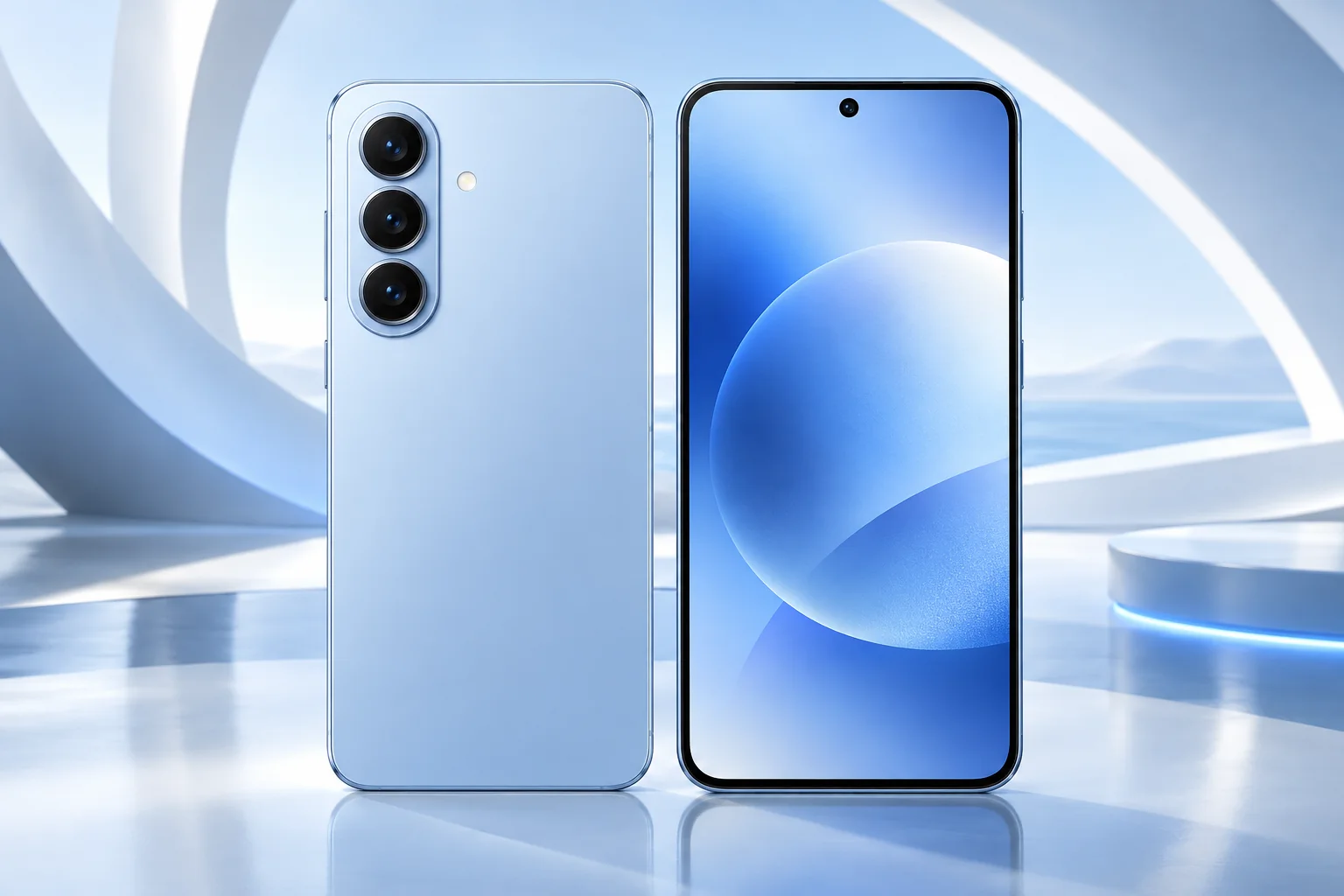
ϟ Quick Expert Summary
Choose the S26 for a conventional, more manageable phone when the Ultra’s size and extra camera hardware are unnecessary. Confirm the local model before comparing processor claims from another country. Battery capacity is a specification rather than a promise of hours, so evaluate your reception, screen use and charging routine.
Source-based editorial assessment; no hands-on testing or technician case history is claimed.
✓ Best For
- More manageable daily carry
- Standard slab-phone users
- Buyers who do not need Ultra hardware
× Not Ideal For
- Largest-screen requirements
- Ultra-specific display expectations
- Buying an import without compatibility checks
Compact format
6.3-inch display
Camera flexibility
Dedicated 3x telephoto
Regional models
Verify exact processor
Daily charging
Plan your own routine
Know the device.
Choose with confidence.
Camera, battery and repair considerations.
① Key Specifications
| Display | 6.3-inch FHD+ AMOLED; 1–120Hz |
|---|---|
| Processor | Snapdragon 8 Elite Gen 5 for Galaxy or Exynos 2600; market-dependent |
| Rear cameras | 50MP main; 12MP ultra wide; 10MP 3x telephoto |
| Front camera | 12MP |
| Memory / storage | 12GB RAM; 256GB or 512GB storage; region-dependent |
| Battery | 4,300mAh typical |
| Weight | 167g Sub6 model; region may vary |
| Resistance | IP68 |
| Launch software | Android 16; One UI 8.5 |
Manufacturer technical specifications
Manufacturer battery and charging tests are not FixUpPhone measurements or guarantees of your daily result.
② FixUpPhone Expert Analysis
The following is ownership and buying analysis based on the cited sources.
Comfort can outweigh a larger spec sheet
Try reaching across the display, typing and putting the phone into your normal pocket. Add a realistic case to the comparison. A smaller handset can be easier to live with even when a larger alternative has more ambitious specifications. Conversely, someone reading long documents all day may reasonably prefer more screen space.
Check the exact regional model
Do not assume a processor review from another market describes the handset offered by your seller. Ask for the model identifier, local warranty terms and carrier compatibility. An imported device can create practical support questions that outweigh a small discount. Our table deliberately preserves Samsung’s regional distinction instead of assigning one chip to every S26.
Match the camera to ordinary subjects
A dedicated telephoto offers another framing choice, but your results still depend on light, motion and technique. Compare the views you actually use: people at a table, a sign across the street or a wide room. There is no FixUpPhone laboratory camera test behind this article, and we do not claim a camera ranking from resolution numbers alone.
Battery capacity cannot predict your day
Capacity is one input alongside display use, reception, apps and battery condition. A commuter streaming over cellular and a desk worker on Wi-Fi can see very different results. Before buying a bigger model solely for endurance, consider whether a convenient charging opportunity solves your need. If runtime is unexpectedly poor, inspect app usage rather than immediately diagnosing a bad battery.
Charging choices should be practical
Check the adapter’s supported protocol as well as its advertised wattage. A compatible existing charger may be adequate even if it is not the fastest available option. Include a suitable cable and realistic charging location in your budget. Avoid treating a controlled manufacturer charging test as a guarantee during navigation or other heavy use.
Software features need a personal checklist
List the features you want and verify account, region, language and connection conditions before purchase. Review AI-generated content rather than assuming it is correct. For long ownership, check current security support and app compatibility separately from flashy features: a reliable daily phone does not need to win every demonstration.
③ Pros & Cons
✓ Reasons to consider
- More manageable size than Ultra
- Adaptive display
- Dedicated telephoto option
- Regional configurations documented by Samsung
× Trade-offs
- Less screen space for detailed work
- Regional processor differences complicate comparisons
- No guarantee of all-day runtime for every user
- Not every Ultra feature is included
Ready to Buy? Check Latest Prices
Compare the exact local configuration and seller support, not just the generation name. Check the full price and any conditions on advertised promotions. A carrier deal may depend on service commitments or trade-in eligibility that change its real value.
Check available models and purchase terms
No affiliate links are used. Prices and stock can change; a current offer is not implied. Additional approved retailers can be added later.
④ Repairability & Common Repair Needs
Unexpected drain
Record battery usage, signal conditions and recent changes. Persistent poor runtime deserves assessment; the nominal capacity alone cannot diagnose a fault.
Charging or connectivity
Use known-working compatible accessories and note whether the problem occurs in multiple locations. Separate a carrier or network issue from a physical phone fault.
Physical damage
Inspect front, rear and camera glass, and ask for a scope that identifies functional damage. Back up before service and confirm parts and testing requirements.
Manufacturer service guidance · Request a repair assessment
These are diagnostic considerations, not a claim of model-wide defects. No repair price, parts grade, turnaround or warranty is guaranteed. Stop charging a visibly damaged or bulging battery; ask for safe handling advice and do not send it through ordinary mail.
Already Have This Device and Need a Repair?
Tell us what happened and choose a local store or a mail-in enquiry.
- Screen or touch concerns
- Battery and charging issues
- Back glass or camera damage
- Liquid-exposure assessment
Background: generated service illustration.
Mail-In Repair Service
Start with the repair request form and choose Mail-In Repair. The team needs to review your device and issue before providing shipping instructions and a repair quote.
Start Mail-In Repair →Request workflow only. Do not ship until the team confirms instructions. The form saves requests; email notifications and appointment scheduling are not yet enabled.
Prefer to visit? Find a repair location →How It Works
- BookSubmit your device and issue for review.
- ShipWait for confirmed packing and shipping instructions.
- Diagnose / RepairReview the assessment and approve the quoted work.
- ReturnAgree the return arrangements with the team.
⑤ Should You Buy It?
Buy S26 if the smaller format and its actual features match your routine at a sensible complete price. Compare it with repairing your present phone and with an older device sold in demonstrably good condition. Choose Ultra only when its additional size or hardware is useful enough to justify the difference.
For second-hand purchases, verify account removal and activation, storage, regional model and carrier status. Test audio, cameras, touch and charging during the return window. Request repair records and do not assume that a recently released device has never been dropped or serviced.
Request a trade-in assessment →⑥ Alternatives & Comparison
Larger display and more camera choices.
Explore option →Compare another compact Android approach.
Explore option →Consider the software ecosystem as well as hardware.
Explore option →⑦ Accessories We Recommend
Choose the Samsung Galaxy S26 variation; confirm camera and button access before ordering.
Check case clearance and installation instructions. Protection is not a drop guarantee.
Verify its charging protocol, cable and safety information, not just the wattage printed on the box.
Review the exact model variation and confirmed product specifications in the shop.
⑧ Frequently Asked Questions
Do all Galaxy S26 phones use one processor?
No. Samsung’s global specification table lists different processors by device and market. Verify the exact model offered locally.
Does it include every Ultra feature?
No. Compare individual features instead of assuming that a shared series name means identical hardware.
Will battery capacity tell me the daily runtime?
No. Apps, signal, screen use, temperature and battery condition affect endurance.
Should I buy an imported S26 to save money?
Check carrier support, regional configuration, warranty and returns first. A lower price is not enough to establish better value.
How do I request a repair?
Use Book Repair or contact a listed FixUp location. A request starts an assessment and does not guarantee parts availability or an appointment.
Sources & Editorial Notes
Prepared by FixUpPhone Editorial. Documentation checked September 17, 2026. Manufacturer specifications and test claims are separated from editorial analysis. No FixUpPhone physical testing, measured benchmarks or technician case history is claimed. The featured artwork is an original generated illustration, not a manufacturer photograph. No affiliate links or guaranteed service prices are included.
For corrections or device help, contact FixUpPhone.