Samsung Galaxy A56 Speaker Repair Cost: Symptoms & Options
There is no published price for this job — not from Samsung, and not from FixUpPhone. Samsung US publishes no static repair price for this model, so sound work is quoted inside a service request after inspection. Sound leaves this phone in two places — an earpiece at the top for calls, and a speaker along the bottom edge for media — and muffled sound is often not a broken part at all. This guide splits the fault by channel, then rules out settings and lint.
ϟ Quick Expert Summary
Diagnose by channel before you budget. Compare the channels: one silent or distorted while the other stays clean points at that channel, or its mesh. Both muffled equally points elsewhere first — audio routed to a wireless device, mono audio, balance or EQ-style settings are not hardware faults. Only a fault surviving those checks is hardware. US launch buyers are now outside Samsung’s warranty year, so the honest routes are Samsung Care+ if you hold the plan, or an assessed quote.
Source-based editorial guidance, not a FixUpPhone price quote, hands-on report or case history.
✓ A Repair Makes Sense When
- One channel fails the comparison test, the other is clean
- Distortion only at maximum volume, on one channel
- Output, settings and lint checks all ruled out
- Sound changed after a drop — or stayed wrong after drying
× Do Not Pay Yet When
- Both channels equally muffled — check output and settings first
- The phone just got wet — let it dry and retest
- Audio may be routed to a wireless headset or the car
- It failed with no damage — check your own warranty dates first
2 paths
Earpiece + bottom-edge audio
No fee
Samsung publishes no price for this job
Jul 2026
US launch buyers’ warranty year ended
Quote
FixUp price after diagnosis
Split the fault by channel.
Pay for the right fix.
Earpiece, bottom edge, settings and damage — separated.
① Key Specifications
| Audio | Stereo speakers (per spec databases) — an earpiece at the top for calls, and a bottom-edge speaker for media, ringtones and speakerphone; Samsung publishes no output rating for this model |
|---|---|
| Display | 6.7-inch Super AMOLED, FHD+ (1080×2340 per spec databases), up to 120Hz, 1,200 nits HBM (1,900 nits peak per spec databases); Vision Booster |
| Materials | Aluminum frame (Samsung’s footnote excludes the volume and side keys and the SIM tray); Corning Gorilla Glass Victus+ front and back |
| Chip & memory | Exynos 1580 in all regions, including the US; 8GB RAM with 128GB or 256GB storage (US); UFS 3.1; no microSD slot |
| Size & weight | 198 g; 162.2 × 77.5 × 7.4 mm |
| Cameras | 50MP ƒ/1.8 main with autofocus and OIS; 12MP ƒ/2.2 ultra-wide, fixed-focus, 123°; 5MP ƒ/2.4 macro; front 12MP ƒ/2.2 |
| Battery & charging | 5,000 mAh typical (4,905 mAh rated); video up to 29 hours, music rated up to 88 hours (Samsung figures); 45W wired, Super Fast Charging 2.0 — up to 65% in 30 minutes and 100% in 68 minutes; no wireless charging |
| Connector & SIM | USB-C, USB 2.0 (no DisplayPort, no DeX); no headphone jack — wired audio runs through the USB-C port; US model: physical nano-SIM slot plus eSIM |
| Wireless | Wi-Fi 6 dual-band; Bluetooth 5.3; NFC |
| Resistance | IP67 laboratory rating when new (1 m fresh water, up to 30 minutes); not permanent; liquid damage not warranty-covered |
| Software | Android 15 / One UI 7 at launch; six generations of OS upgrades and six years of security updates promised; no S Pen |
| US list prices & release | $499.99 / $549.99 — still sold new by Samsung US; announced Mar 2, 2025, on sale in the US Jul 18, 2025 |
Samsung — Galaxy A56 5G product page
Two audio paths, two jobs: the earpiece handles calls; the bottom edge carries media, ringtones and speakerphone.
② FixUpPhone Expert Analysis
Practical diagnosis and repair-cost analysis based on Samsung’s published specifications, service information and coverage terms, plus FixUpPhone’s published service information.
Why this job has no published price
Samsung US publishes no static repair price for this model at all — the Galaxy A56 does not appear in its published pricing tables, not even for a screen. Sound work is diagnosed and quoted inside a service request (mail-in typically 5–7 business days; Samsung repairs carry a 90-day warranty).
First split: which channel is failing?
Play the same audio through both paths — a sound problem here can sit in two different places. Use a voice memo or test track and compare: cover the bottom grille and listen, then cover the earpiece slot and listen again. One channel silent, quiet or distorted while the other stays clean points at that channel, or its mesh.
If both channels are muffled, check output and settings first
Equal muffling is rarely two parts failing at once — usually one shared cause upstream. Check the output destination first: open the Media output panel and confirm the phone itself is selected; switching the wireless connection off settles it — audio routed to earbuds or the car never reaches the phone. Then work through the settings that imitate faults, as categories rather than fixed menu paths: Do Not Disturb and the sound mode (silent ringtones with loud videos is a settings pattern); Mono audio, which collapses the two paths into one; left/right balance; and EQ or adapt-sound features. One more split: restart in Safe Mode, which runs only built-in apps — clean sound there means a downloaded app, not hardware.
The cheap physical cause: lint in the bottom grille
The bottom audio path exits along the phone’s lower edge, beside the USB-C port and the SIM tray, and its mesh collects pocket lint. Packed debris muffles that channel like a failing part. Clean the mesh with a soft, dry brush only, gently across the grille. Never liquids, never sharp tools, never compressed air at close range: liquid can be pushed through the mesh, a point can puncture it, and a close blast can damage the part behind it. If a dry brush changes nothing, the blockage may be deeper — or the fault is the part itself.
The call test split: weak in calls, loud in media
If callers sound faint while videos play loudly, do not blame the earpiece yet. Its mesh is external-only to clean — debris, a case lip or a protector edge over that slot muffles call audio first; never probe inside it. Call audio also depends on the network: a weak connection compresses voices like a quiet earpiece, so test on a strong signal. Then play media and listen to the earpiece channel alone. Media quiet through it too points back to that channel; media clear but calls faint points to the mesh or the network, not a part.
Reading distortion honestly
Distortion only at maximum volume, on one channel, is a classic sign of a part starting to fail — the clean channel proves the source is fine. Distortion at all volumes points the other way first: check the source or app — a low-quality stream, a damaged recording, an app effect — before blaming hardware. Test with a known-good recording at moderate volume, then at full.
Wet sound, and what a real replacement involves
After liquid exposure, sound often comes out muffled and clears as the phone dries — do not book a job on a still-drying phone, and never charge it while wet. IP67 is a new-phone laboratory rating; resistance fades with age and repairs, and liquid damage is not warranty-covered. If muffling stays after the phone has fully dried, book the assessment and mention the liquid history. A genuine replacement means opening the phone — hence a quote that follows diagnosis, names the channel covered, and tests both channels afterwards. Before any quote, check the warranty position: US launch buyers are outside Samsung’s one-year warranty (on sale July 18, 2025; that year expired around July 18, 2026), but the warranty runs from your own purchase date — if yours is still running and the fault appeared with no damage, it is a warranty conversation first. FixUp’s terms are separate: 1–7 days, 3-month repair warranty.
Questions to ask before you approve
- Which channel is faulty — earpiece, bottom, or both?
- Did you compare both channels on the same audio?
- Was the output destination checked for wireless routing?
- Would a clean fix it, or does a part need replacement?
- What is included — parts, labour, seals, tax?
- Will both channels, a call and media be tested after?
- Could Samsung Care+ — or my warranty year, if it is still running — cover this instead?
③ Pros & Cons: Independent Repair vs Samsung’s Routes
✓ Reasons for an Assessed Independent Repair
- Diagnosis first — you may only need a clean
- Priced as the job actually found on your phone
- Keeps a phone still sold new at $499.99 whose only fault is one component
- Available locally in CA or NV, or by mail-in
× Reasons to Use Samsung Instead
- Bought yours later? Your own warranty year may still be running — a no-damage failure is a defect claim first
- Samsung Care+ active? Accidental damage routes through it
- Samsung’s repairs use genuine parts with a 90-day repair warranty
- Any opening breaks the factory seal, whoever does it
What Does the Job Cost? Check the Published Prices
Samsung publishes no price for sound work on this model — no static repair price for the Galaxy A56 at all; what follows is what it does publish, plus the assessed route.
| Your route | Published price | What it means |
|---|---|---|
| Samsung — sound fault, out of warranty | Quoted after inspection | No price is published for this job; the fault is quoted inside a service request — walk-in, or mail-in at typically 5–7 business days. |
| Samsung — defective part under warranty | Covered, in term | The one-year warranty runs from your own purchase date — US launch buyers’ year ended around July 18, 2026. Blocked mesh, accidental and liquid damage are not defects. |
| Samsung Care+ — accidental damage claim | Plan claim | Care+ covers accidental damage from handling, and enrolment is still open if you are buying the phone now. Its published claim figures are $29 for a cracked screen or back glass (standard plan), $0 with Theft and Loss; battery repair is subject to a ≤79% capacity diagnostic. No claim fee for sound work is published; the $99–$199 range covers lost/stolen replacement only. |
| Samsung — any repair on this model | No published price | Samsung publishes no static price even for this model’s screen — the Galaxy A56 is absent from Samsung US’s published pricing tables, so every repair starts with an assessment. |
| FixUpPhone — professional clean | Quote after diagnosis | If lint or debris is the whole problem, no part is needed; the cost is confirmed at assessment. |
| FixUpPhone — assessed repair | Quote after diagnosis | No fixed price is published. Which channel and included testing are confirmed first; work proceeds only after you approve the quote. |
Check Samsung’s repair terms, published prices and coverage routes
Request a diagnosis and an assessed quote
Samsung prices and terms checked October 15, 2026; they can change. None of Samsung’s figures is a FixUpPhone price.
④ Repairability & Common Repair Needs
Blocked bottom mesh first
Packed pocket lint muffles the bottom channel like a failing part — the giveaway is gradual change while the earpiece stays clear.
Two paths, two jobs
The earpiece and the bottom-edge path fail independently: a phone can play videos loudly while callers sound faint. Any quote should name the channel.
Document the diagnosis
Ask for the finding in writing: clean, earpiece replacement, bottom-path replacement, or a fault elsewhere. Keep it with the phone’s service history, so a setting or the network is never billed as hardware.
Samsung Care+ information · Request a FixUpPhone diagnosis
Possible causes only, not claims of a model-wide defect. Back up before any repair. If the phone has been wet, let it dry fully and do not charge it while wet; tell the repairer about liquid exposure, heat or battery damage before mail-in shipment — never mail a phone that is still wet, hot or swollen.
Sound Problems With Your Galaxy A56?
Tell FixUpPhone what the phone is doing; choose a store or mail-in.
- One channel silent or distorted, the other clean
- Both channels muffled — settings already checked
- Calls quiet at your ear, but media plays loudly
- Distortion only at maximum volume, on one channel
- Sound still muffled after the phone dried out
An online booking is a request; the team confirms the next step with you.
Mail-In Repair Service
Start with the repair request form and choose Mail-In Repair. You pay to ship the phone to FixUpPhone; FixUpPhone pays the return. Do not send the device until the receiving store and instructions are confirmed.
Start Mail-In Repair →Back up first. State which channel is affected — earpiece, media or calls. Flag liquid damage, overheating or a damaged battery before shipping; never mail a hot, swollen or still-wet phone. Questions: support@fixupphone.com.
Prefer to visit? Find a repair location →Visit a FixUpPhone Store
Lynwood, CA — FixUpPhone store · 3100 E Imperial Hwy, Store M1002, Lynwood, CA 90262 · Every day 11 AM–8 PM · (805) 857-4225
Santa Barbara, CA — FixUpPhone store · 619 A State St, Santa Barbara, CA 93101 · Mon–Fri 11 AM–8 PM; Sat 10 AM–8 PM; Sun 12 PM–7 PM · (805) 857-4226
Las Vegas, NV — FixUpPhone store · 875 S Grand Central Pkwy, Unit TT32, Las Vegas, NV 89106 · Mon–Sat 10 AM–8 PM; Sun 10 AM–7 PM · (818) 482-3605
How It Works
- BookSubmit the model, store or mail-in choice, and symptoms.
- DiagnoseThe team compares both channels and separates settings, blockages and moisture from real failure.
- ApproveReview the finding and confirmed quote before authorising work.
- RepairThe general repair timeframe is 1–7 days, plus shipping time for mail-in.
- Collect or ReturnCollect in store or receive the return; repairs include a 3-month warranty.
⑤ Should You Repair or Replace It?
Follow the ladder: a setting costs nothing; a blocked mesh means a clean; wet sound means patience. Only a genuinely failed part is a repair decision — and the order matters: your own warranty year first if it is still running, Samsung Care+ if you hold the plan, then an assessed independent quote.
| Diagnosis | Right move | Why |
|---|---|---|
| Audio routed wirelessly; mono, balance or EQ-style settings | Fix it free | The hardware was never faulty. |
| Sound muffled after liquid exposure | Let it dry fully, then retest | A wet phone often recovers as it dries — never charge it while wet. |
| Blocked bottom mesh | Professional clean | No part required; probing at home risks real damage. |
| Fault appeared, no damage, your warranty year still running | Samsung warranty route | A defect inside your own warranty year is warranty-covered, not quoted. |
| Sound damaged, Samsung Care+ active | Care+ claim | The plan exists for drops and spills; claim under its terms. |
| Fault confirmed, no cover | Assessed independent repair | Compare a channel-specific quote with Samsung’s service-flow quote. |
| Sound fault plus other major damage | Combined written quote | Use the repair-or-replace framework on the total. |
Replacing the phone over one sound fault is the last resort: it is still sold new at $499.99 and sits early in a six-generation update window, so repair stays compelling while the rest of it is healthy.
Request a trade-in assessment →⑥ Alternatives & Comparison
Wireless earbuds — or wired earbuds through the USB-C port, as this phone has no headphone jack — keep calls and media usable during diagnosis: a workaround, not a fix.
Explore option →A fall that hurts the sound path often cracks the Victus+ back panel too; the back-glass guide covers its quote factors.
Explore option →The Galaxy S24 Ultra guide walks the same channel-split diagnosis on Samsung’s flagship, with its own coverage position.
Explore option →⑦ Accessories We Recommend
They keep the phone usable during diagnosis — and double as a test, since earbuds bypass both of the phone’s own outputs.
A dry, soft brush across the bottom grille stops debris building into a muffled channel. Keep anything sharper or wetter away.
Some cases overlap the bottom edge or earpiece slot and muffle a healthy phone. If the “problem” disappears with the case off, the case was it.
Check specifications and compatibility before ordering.
⑧ Frequently Asked Questions
How much does a Samsung Galaxy A56 speaker repair cost?
There is no published price for this job. Samsung quotes the work inside a service request after inspection; FixUpPhone quotes after diagnosis — and if the cause is lint, a setting or moisture, no replacement is needed.
Why does Samsung not publish a price for this job?
Samsung US publishes no static repair price for the Galaxy A56 at all — the model does not appear in its published pricing tables, not even for a screen. Everything is quoted after assessment, because muffled sound can mean a setting, a blocked mesh, moisture, the network or a failed part.
How do I tell which channel is failing?
Play the same audio and compare: cover the bottom grille and listen, then cover the earpiece slot and listen again. One channel silent or distorted while the other stays clean points at that channel, or its mesh.
Both channels sound muffled. Are both broken?
Almost certainly not. Check the Media output panel first — audio routed to a wireless device never reaches the phone. Then mono audio, balance and EQ-style settings, and restart in Safe Mode: clean sound there means a downloaded app is the cause.
Callers sound faint, but videos play loudly. Is the earpiece broken?
Not necessarily. The earpiece mesh muffles calls first and is external-only to clean — debris, a case lip or a protector edge can be the whole cause. A weak network also compresses call audio, so test on a strong signal and with media.
My phone sounds muffled after it got wet. Is something broken?
Probably not yet — sound often clears as the phone dries, so let it dry fully and retest. Never charge it while wet. If muffling stays, have it assessed and mention the liquid history; liquid damage is not warranty-covered.
Can I clean the grille mesh myself?
Gently, yes: a soft, dry brush across the mesh is the safe method. Never liquids, never anything sharp, never compressed air at close range. If a dry clean fails, the blockage is likely deeper, or the fault is the part itself.
How long does a FixUpPhone repair take — and can I mail my phone in?
FixUpPhone’s repair time is 1–7 days, with a 3-month warranty. Mail-in: choose Mail-In Repair and do not post the phone until instructions are confirmed. You pay inbound shipping; FixUpPhone pays the return. State which channel — earpiece, media or calls — is affected in your booking note.
Sources & Editorial Notes
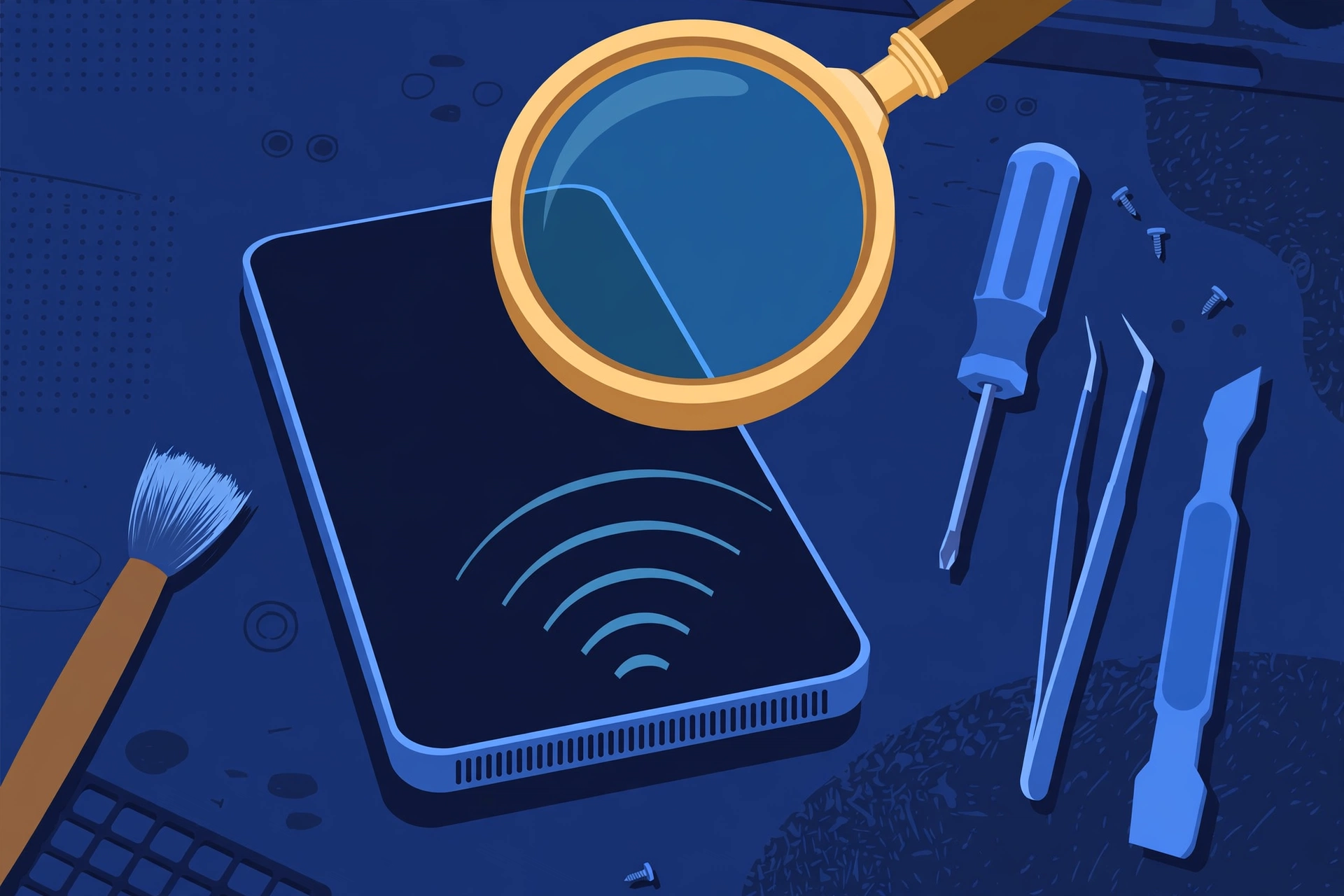
Prepared by FixUpPhone Editorial. Documentation checked October 15, 2026. Samsung specifications and coverage terms are distinguished from FixUpPhone’s assessed process. No hands-on repair, case history, customer experience, test result or fixed FixUpPhone price is claimed. The artwork is an original illustration. Samsung is not affiliated with FixUpPhone. The stereo-speaker line, display resolution and USB figure are attributed to spec databases, as Samsung’s US copy does not print them all; US availability (July 18, 2025) follows Samsung’s confirmation reported at the US launch.
- Samsung — Galaxy A56 5G product page (specifications, frame and glass footnotes, IP67, charging, six-generation update promise)
- Samsung US Support — Cracked screen repair (this model does not appear in Samsung US’s published pricing tables — no static price for any Galaxy A56 repair; mail-in 5–7 business days; 90-day repair warranty)
- Samsung US Support — Samsung Care+ (standard plan $29 cracked screen and back glass per claim, $0 with Theft and Loss; battery repair subject to a ≤79% capacity diagnostic; lost/stolen deductible $99–$199; no published claim fee for sound work)
- Samsung Global Newsroom — Galaxy A56 5G launch, March 2, 2025 (announcement and specification table)
- GSMArena — Galaxy A56 full specifications (stereo speakers, no headphone jack, 1080×2340 resolution, USB 2.0, EU label data)
- FixUpPhone — Phone Repair Services and Mail-In Phone Repair, checked October 15, 2026
- FixUpPhone — Locations, checked October 15, 2026
For corrections or device help, contact FixUpPhone.