iPhone 16 Not Charging: Causes & Fixes
Your iPhone 16 is plugged in — and the battery percentage is going nowhere. Before you price a repair, work the isolation ladder: swap one part of the charging chain at a time, so each test rules something out. Many “not charging” phones are stopped by a tired cable, a weak adapter, a dead socket or pocket lint — all fixable tonight, for nothing. If the ladder runs out, the last sections map your findings to the right repair and price.
ϟ Quick Expert Summary
Change one thing at a time and stop the moment charging returns. Swap the cable and adapter first, then the socket. Then run the test that splits the fault in two: MagSafe working while wired fails points at the cable-or-port path; neither working points at the battery, charging circuit or software. Then inspect the port, respect any liquid alert, restart, update, and read Battery Health.
Source-based editorial guidance, not a FixUpPhone price quote, hands-on repair report or technician case history.
✓ Run These Checks Tonight
- A known-good cable and adapter, tested on another device
- A wall socket directly — not a hub, strip or laptop port
- The MagSafe test, to split port faults from system faults
- Battery Health and charge settings, before assuming hardware
× Stop and Get Help When
- The phone is hot, swelling or smells burnt — stop charging it
- A liquid alert keeps returning after the port has dried
- Neither charging route works after a restart and update
- Battery health is under 80%, or the phone shuts down at random
One change
At a time — that is the method
25W
MagSafe test splits the fault
$99
Apple battery fee, if it is the battery
Quote
FixUp price after diagnosis
Work the ladder.
Isolate the fault.
One swap at a time, cheapest first.
① Key Specifications
| Frame | Aluminum design; Ceramic Shield front; color-infused glass back |
|---|---|
| Connector | USB-C |
| USB speed | USB 2, up to 480Mb/s |
| Fast charge (USB-C) | Up to 50% in 30 minutes with a 20W adapter or higher (sold separately) |
| Wireless charging | MagSafe up to 25W; Qi2 up to 25W with iOS 26 (15W at launch) |
| Battery life | Video playback up to 22 hours; streamed video up to 18 hours |
| Display | 6.1-inch Super Retina XDR OLED |
| Water and dust resistance | IP68 laboratory rating when new |
| US starting price | $799 for 128GB |
| Release date | September 20, 2024 |
Apple technical specifications
One port carries charging, USB 2 data and DisplayPort video — a faulty port can show up as a charging problem, a data problem, or both. Note the Qi2 figure: this model launched at 15W, and iOS 26 raised Qi2 to 25W, so check your iOS version before judging a Qi2 pad slow.
② FixUpPhone Expert Analysis
A symptom-level troubleshooting ladder based on Apple’s published specifications, service fees and coverage terms, plus FixUpPhone’s published service information. Run the steps in order; each fixes the problem or rules something out.
How the isolation ladder works
Charging is a chain: socket, adapter, cable, port, charging circuit, battery. A fault anywhere stops the whole chain. The ladder changes exactly one link at a time, using parts you know work. If charging returns, the last change was the fault.
Step 1: Swap the cable and the adapter — together, then separately
Start with the highest-wear parts. Test with a USB-C cable and adapter you know charge another device. Cables fail internally long before they look damaged: one that trickles, works in only one orientation, or cuts out when the phone moves has already failed. Adapters fail quieter: ageing bricks and multi-port chargers dividing their output can deliver too little. Apple’s fast-charge figure — up to 50% in 30 minutes — assumes a 20W adapter or higher, so use one at that rating as your test standard. If the known-good pair works, swap your originals back one at a time to find the faulty one.
Step 2: Change the wall socket
Hubs, strips, car sockets and laptop ports deliver less consistent power than a wall adapter. Plug the known-good adapter straight into a wall socket you have confirmed works, and watch for a few minutes. If it charges there, your usual charging spot was the fault, and the ladder is already finished.
Step 3: Run the MagSafe test — the step that splits the fault
Set the phone on a MagSafe charger (up to 25W) or a Qi2 pad (up to 25W on this model with iOS 26; 15W on launch software). If wireless works but wired does not, the battery and charging system are broadly healthy and the fault sits in the cable-or-port path. If neither route works, think battery, charging circuit or software, and continue down the ladder.
Step 4: Look inside the port — torch only
Switch the phone off and shine a torch into the USB-C port. After two years of pockets, compacted lint is a classic find: it stops the plug seating fully and produces the “charges only at an angle” symptom. Looking is safe; digging is not — never probe with anything metal, because bent or shorted contacts turn a free professional clean into a port replacement. If the port looks packed, or pins look bent or discoloured, stop here.
Step 5: Respect a liquid-detection alert
A liquid-detection alert means the phone has found moisture in the connector and blocks wired charging to protect the contacts. Unplug, tap the phone gently with the port facing down, and let it dry at room temperature — hours, not minutes. Do not force a charge past the alert, and do not blow hot air into the port: liquid damage is not covered by Apple’s warranty, and charging across wet contacts corrodes the pins. Alerts that keep returning after the port should be dry mean a corrosion inspection.
Step 6: Restart, then update iOS
A restart clears stuck processes and software states. Restart, reconnect, and give it a few minutes before judging. If an iOS update is waiting, install it — on wireless charging or whatever charge you have — then retest: charging is managed by software, and charging bugs are fixed in routine updates. While you are in Settings, check for the deliberate stops: a charge limit holds the battery at the level chosen, and optimised charging pauses below full until shortly before you usually unplug. Both protect the battery — and both look exactly like a fault. The tell is consistency: a phone that stops calmly at the same percentage every time is obeying a setting.
Step 7: Read Battery Health — wear is a real suspect on this phone
Open Settings > Battery > Battery Health. On sale since September 20, 2024, a launch phone has two years of charge cycles behind it, and its one-year warranty expired in September 2025. A worn battery can charge slowly and unevenly, stall part-way, or shut the phone down with charge still showing. The threshold that matters is 80% of original capacity: below it, Apple replaces the battery at no charge with AppleCare+ active; out of warranty, Apple’s battery fee for this model is $99.
Step 8: Check the temperature before you blame hardware
This phone is rated to operate between 0° and 35° C, and it protects itself outside that range: a phone left in a hot car may pause charging until it cools, and a very cold phone can refuse to charge until it warms. If the phone feels hot, unplug it and let it return to room temperature on its own — never in a fridge — then retest. Charging that resumes once it cools was a protection response, not a fault.
Step 9: Recognise the hardware stop signs
Some findings end the ladder on sight: a plug that sits loose or falls out; pins visibly bent, green or corroded; charging that only works at one cable angle; a phone that gets hot while charging; or a screen or back that is lifting, which can mean a swelling battery. Any of these means the fault is physical. If the phone is hot or swollen, stop charging it altogether and have it assessed in person.
When the ladder points to hardware
If every step fails, the suspects are internal — port assembly, battery or charging circuit — and none can be separated from outside the phone. Bring your notes; that record shortens any diagnosis.
What to note before you book a diagnosis
- The step where charging returned — or that all nine failed
- Which cables and adapters you tested, and on what other device
- Whether MagSafe charging works when wired charging does not
- Any liquid-detection alert, and when you last saw it
- The battery health percentage from Settings
③ Pros & Cons: Finishing the Ladder vs Booking Straight Away
✓ Reasons to Finish the Ladder First
- It is free and it is tonight — no appointment or shipping
- Accessories and settings cause a large share of charging complaints
- Each result rules something out, narrowing any later quote
- Your notes make any later diagnosis faster
× Reasons Not to Stop at the Ladder
- Internal faults — port, battery, charging circuit — need instruments
- Repeated liquid alerts or corrosion will not improve with waiting
- Heat, swelling or a chemical smell are stop signals, not ladder steps
- Poking at the port yourself can turn a clean into a replacement
Still Not Charging? Check the Published Repair Prices
If the ladder ends at hardware, these are the published figures. Apple inspects the device before confirming its final fee; tax may be added and shipping may apply. FixUpPhone publishes no fixed price — charging work is quoted after diagnosis.
| Your route | Published price | What it means |
|---|---|---|
| Apple — battery replacement | $99 | The route when Step 7 shows a worn battery. About 12% of the $799 starting price. |
| Apple — battery, with AppleCare+ | $0 | No charge when capacity falls below 80%. |
| Apple — port or other internal damage | $549 | The port is not a listed repair at Apple; it falls into the “other damage” category — about 69% of the price. |
| Apple — other damage, with AppleCare+ | $99 | The AppleCare+ service fee for other accidental damage. |
| FixUpPhone — charging diagnosis | Quote after diagnosis | Quoted once the fault is confirmed — a clean, a port and a battery are different jobs. |
| The ladder itself | Free | Cables, sockets, settings and software cost nothing. |
Check Apple’s current iPhone repair terms, fees and coverage routes
Request a diagnosis and an assessed quote for your exact phone
Apple fees checked October 15, 2026. Prices and terms can change. None of Apple’s figures is a FixUpPhone price, and no independent price is implied by the comparison.
④ Repairability & Common Repair Needs
When it is the port
The ladder points at the port when known-good wired charging fails but MagSafe works, when the plug will not seat or hold, or when charging survives only at one angle. Causes range from compacted lint (a professional clean, no part) to corroded or bent pins (a port repair).
When it is the battery
The ladder points at the battery when health reads under 80%, when the phone shuts down with charge still showing, or when every route behaves erratically. On a phone of this age that is ordinary wear — and the fix is the cheapest hardware route on this page.
When it is neither
If the port tests clean, the battery reads healthy, and both routes still fail after a restart and an update, the fault is deeper in the charging circuit — which cannot be confirmed from outside the phone. A bench diagnosis separates the three first.
Apple service and repair information · Request a FixUpPhone diagnosis
Possible causes and service considerations, not claims of a model-wide defect. Back up before any repair. If the phone shows a liquid-detection alert, let the port dry and do not charge by cable until it clears. If it is hot, swollen or smells chemical, stop charging it; never mail a phone in that condition.
iPhone 16 Still Not Charging?
Tell FixUpPhone where the ladder stopped and choose a local store or a mail-in enquiry.
- No charging by cable or wireless
- Charges only when held at an angle
- Liquid-detection alert keeps returning
- Battery health under 80%
- Phone gets hot while charging
An online booking is a request; the team confirms the next step with you.
Mail-In Repair Service
Start with the repair request form and choose Mail-In Repair. You pay to ship the phone to FixUpPhone; FixUpPhone pays the return shipping. Do not send the device until the receiving store and shipping instructions have been confirmed — and if the phone will not charge at all, say so in your request and wait for the team’s advice before shipping; a hot or swollen phone must never be mailed.
Start Mail-In Repair →Back up first where possible, and say whether MagSafe worked.
Prefer to visit? Find a repair location →Visit a FixUpPhone Store
Lynwood, CA — charging port repair · 3100 E Imperial Hwy, Store M1002 · Every day 11 AM–8 PM · (805) 857-4225
Santa Barbara, CA — charging port repair · 619 A State St · Mon–Fri 11 AM–8 PM; Sat 10 AM–8 PM; Sun 12 PM–7 PM · (805) 857-4226
Las Vegas, NV — charging port repair · 875 S Grand Central Pkwy, Unit TT32 · Mon–Sat 10 AM–8 PM; Sun 10 AM–7 PM · (818) 482-3605
How It Works
- BookSubmit the model, store or mail-in choice, and where the ladder stopped.
- DiagnoseThe team confirms the fault — clean, port, battery or circuit.
- ApproveReview the finding and confirmed quote before authorising work.
- RepairThe general repair timeframe is 1–7 days, plus shipping for mail-in.
- Collect or ReturnCollect in store or receive the mail-in return; repairs include a 3-month warranty.
⑤ Should You Repair It — and What?
Your ladder result makes this decision for you. Match the finding, not the fear: most outcomes are an accessory or a setting, and the two hardware routes differ enormously — a $99 battery at Apple versus a port priced through its $549 “other damage” tier.
| Ladder finding | Right move | Why |
|---|---|---|
| Cable, adapter or socket at fault | Replace the accessory | The phone was never broken. |
| Settings or software | Free fix — monitor it | Charge limits and pauses are the phone protecting itself. |
| Port at fault, AppleCare+ active | Apple at the $99 fee | The plan covers other damage at that fee. |
| Port at fault, no cover | Assessed independent repair | Compare a port-specific quote with the $549 tier first. |
| Battery health under 80% | Battery replacement | $99 at Apple, or $0 under AppleCare+. |
| Several faults together | Combined written quote | Use the repair-or-replace framework on the total. |
Replacing the phone does not enter this conversation.
Request a trade-in assessment →⑥ Alternatives & Comparison
If Step 3 isolated the cable-or-port path, this guide covers the full port diagnosis and its costs.
Explore option →If Step 7 raised the health question, this guide works out when a $99 battery is worth it.
Explore option →The same isolation method for the iPhone 16 Pro, whose charging hardware and fees differ.
Explore option →⑦ Accessories We Recommend
Step 1 only works if you own a cable you trust — a certified cable rated for this phone’s charging power.
Wireless charging at up to 25W is both a backup route and the tool behind Step 3.
An ageing low-watt brick makes a healthy phone look faulty.
Check compatibility before ordering.
⑧ Frequently Asked Questions
Why is my iPhone 16 not charging at all?
Work the causes in order: failed cable, weak adapter, dead socket, lint, liquid in the connector, a charge-limit setting, software, a worn battery, or temperature protection. The ladder on this page tests each in turn; the step where charging returns names the fault.
It charges on MagSafe but not by cable. What does that mean?
The battery and main charging system are probably healthy; the fault is in the cable-or-port path. Inspect the port with a torch, and if wired charging still fails on a known-good cable, the port is the suspect — book a diagnosis, not a battery.
Why does my iPhone 16 stop charging at 80%?
Usually because it is told to. A charge limit set in Settings > Battery stops charging at the level chosen, and optimised charging holds the battery below full until shortly before you unplug.
How fast should an iPhone 16 charge wirelessly?
MagSafe reaches up to 25W. Qi2 also reaches up to 25W on this model with iOS 26 installed — at launch it was 15W, so older software explains a slower Qi2 pad. Wired, a 20W adapter or higher reaches about 50% in 30 minutes.
What does the liquid-detection alert mean, and how long should I wait?
The phone has detected moisture in the USB-C connector and blocks wired charging to protect the contacts. Unplug and let the port dry at room temperature — hours, not minutes — without charging by cable, applying heat or inserting anything. Returning alerts mean a corrosion inspection.
Can a worn battery make an iPhone 16 stop charging?
Yes. This model launched in September 2024, so its oldest batteries have two years of cycles behind them: a worn cell can charge slowly, stall, or shut the phone down with charge showing. Check Battery Health — below 80%, replacement is the recognised fix.
How much does it cost if the ladder does not fix it?
At Apple, a battery is $99 — free under AppleCare+ below 80% health — while port and other internal damage falls in the $549 “other damage” tier, or the $99 AppleCare+ fee.
Can I mail my iPhone 16 to FixUpPhone for a charging fault?
Yes — start a repair request, choose Mail-In Repair, and do not post the phone until the store and instructions are confirmed. You pay inbound shipping; FixUpPhone pays the return. If the phone will not charge at all, say so and wait for the team’s advice before shipping — and never mail a phone that is hot or swollen.
Sources & Editorial Notes
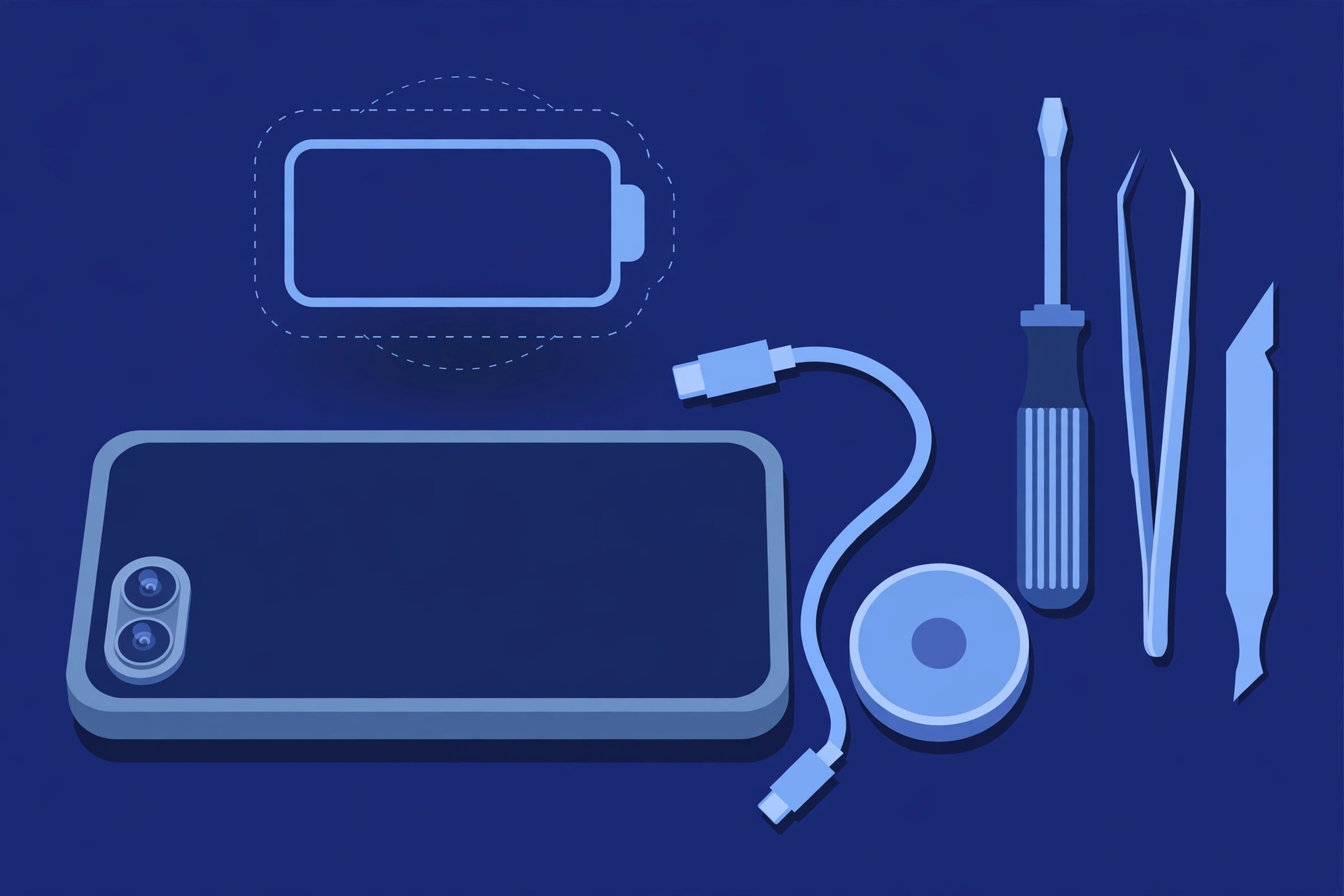
Prepared by FixUpPhone Editorial. Documentation checked October 15, 2026. Apple specifications, service fees and coverage terms are distinguished from FixUpPhone’s assessed repair process. No hands-on repair, technician case history, customer experience, measured test result or fixed FixUpPhone price is claimed for this model. The featured artwork is an original illustration. Apple is not affiliated with FixUpPhone; its prices and terms are a public reference only.
- Apple — iPhone 16 technical specifications (USB-C connector, USB 2 speeds, charging specifications, battery test figures, environmental requirements)
- Apple Support — iPhone service and repair (inspection determines the final fee; warranty scope; AppleCare+ battery terms)
- iClarified, September 2024 — Apple’s US launch service fee table (battery $99; “other damage” $549; AppleCare+ other-damage fee $99)
- Neowin, September 2025 — Apple’s published US fees, current table (back glass $159 and screen + back glass $369; other lines unchanged)
- FixUpPhone — Phone Repair Services and Mail-In Phone Repair, checked October 15, 2026
- FixUpPhone — Locations, checked October 15, 2026
For corrections or device help, contact FixUpPhone.