iPhone 16 Camera Repair Cost: Symptoms & Service Options
The rear camera is a repair Apple prices for this phone: $169 out of warranty, or a $99 service fee with AppleCare+. But a camera symptom is not yet a camera repair. A black viewfinder, blurry photos, dark spots, a buzzing preview, a crashing camera app, or cracked lens glass do not all mean the same repair — several are fixed by a clean, a restart or removing a magnetic accessory. This model has two rear cameras, not three — the 2x view is a crop of the main camera — so its symptoms are read differently. Safe checks first, then prices, then service options.
ϟ Quick Expert Summary
Run the free checks first: clean the lens glass, remove the case and any magnetic accessories, restart the phone, and test each view — 0.5x, 1x, 2x and front — in a different app too. If one rear camera is faulty, Apple lists rear camera repair at $169 out of warranty ($99 with AppleCare+); damage beyond the listed repairs falls into the $549 “other damage” tier. FixUpPhone quotes camera work after assessment, because which camera failed decides the job.
Source-based editorial guidance, not a FixUpPhone price quote, hands-on repair report or technician case history.
✓ A Repair Makes Sense When
- One camera is faulty after cleaning, restart and an app test
- Lens glass is cracked, even if photos still look acceptable
- Spots or blur appear on one lens but not the others
- The image buzzes, shakes or will not settle after a drop
× Do Not Pay Yet When
- You have not cleaned the lens or removed the case yet
- Every camera fails in one app but works in another — that is software
- Fog that appears in humidity but clears on its own
- AppleCare+ is active — the same damage is a $99 Apple service fee
48MP
Fusion Main camera, 26mm ƒ/1.6
$169
Apple rear camera fee
$99
With AppleCare+, rear camera
Quote
FixUp price after assessment
Check the simple causes.
Then price the repair.
Smudges, cases, software and real camera damage — separated.
① Key Specifications
| Main camera | 48MP Fusion Main, 26mm, ƒ/1.6, sensor-shift OIS |
|---|---|
| Ultra Wide camera | 12MP, 13mm, ƒ/2.2, autofocus, macro |
| 2x view | 12MP optical-quality crop of the main camera, 52mm — not a separate lens |
| Front camera | 12MP TrueDepth, ƒ/1.9, autofocus — the Face ID camera |
| Lens cover | Sapphire crystal |
| Display | 6.1-inch Super Retina XDR OLED |
| Frame and glass | Aluminum design, Ceramic Shield front, color-infused glass back |
| Water and dust resistance | IP68 laboratory rating when new |
| US starting price | $799 for 128GB |
| Release date | September 20, 2024 |
Apple technical specifications
Two rear cameras plus a front camera means “the camera is broken” is never specific enough: identifying which camera shows the symptom is the first diagnostic step. And because 2x is a crop of the main sensor, soft 2x photos point at the main camera, not a third lens this phone lacks.
② FixUpPhone Expert Analysis
Symptom and repair-cost analysis based on Apple’s published specifications, service fees and coverage terms, plus FixUpPhone’s published service information.
What Apple charges for a camera
Apple’s published US fee table includes a line most people miss: rear camera damage is $169 out of warranty — about 21% of the phone’s $799 starting price. With AppleCare+, the rear camera service fee is $99. Be clear about what it buys: Apple prices the rear camera as a unit, so there is no cheaper “glass only” or “lens only” line. Apple publishes no separate front-camera fee; damage beyond its listed repairs falls in the $549 other-damage tier. Apple inspects before confirming the final fee; authorised providers set their own fees. One honest timing note: this phone launched in September 2024, so the standard warranty has expired for launch buyers — unless AppleCare+ is still active, a camera fault today is a paid repair. Those figures benchmark any independent quote.
Start with the symptom, not the part
A black viewfinder usually means the app is not getting an image from the selected camera — but it can also be the app itself. Blurry or foggy photos are most often a smudged or moisture-filmed lens, not a failed sensor. Dark spots fixed in the same place on one camera only point to contamination or damage on that lens or sensor: dust inside the lens is a classic cause. An image that buzzes or refuses to settle usually involves the stabilisation mechanism — here, the main camera’s sensor-shift system — and typically follows a drop; focus that hunts without locking can have the same origin. An app that crashes for every camera points to software. Cracked lens glass is the one symptom you can verify by eye, and it matters even when photos look fine: the seal over the camera is broken.
The safe checks, in order
First, clean every lens with a microfibre cloth — skin oil alone can fog an image. Second, remove the case and any magnetic mounts or wallet accessories; magnets and raised case lips can interfere with focus and stabilisation or creep into the ultra-wide frame. Third, restart the phone and install any pending iOS update. Fourth, test methodically — 0.5x ultra wide, 1x main, 2x, front — then repeat in a different camera app. A fault that follows one camera across every app is hardware; in only one app, it is not.
Two rear cameras, one front — not three
The two rear cameras are separate units with separate jobs, and the 2x view belongs to the main camera: an optical-quality crop of its sensor, not a lens of its own. So if photos are soft at both 1x and 2x but sharp at 0.5x, the main camera is the suspect; if only 0.5x is affected, look at the ultra wide, which also handles macro close-ups. If both rear cameras and the front fail together, suspect software or a board-level problem, not three cameras dying at once. The front TrueDepth camera is a different part again — it also enables Face ID, so test Face ID separately — with no separate published Apple fee. That is why a quote should name the camera involved.
Lens glass alone, or the module?
The sapphire crystal cover over the rear cameras is both a lens cover and a seal. Whether a repair can address the glass alone, or needs the module beneath, depends on what the assessment finds — crack patterns, contamination inside and focus behaviour all feed it. Keep the distinction honest: Apple’s $169 fee is the rear camera repair, priced as a unit, so Apple is not the route for a glass-only job. An independent assessment can tell you whether only the outer glass is damaged. Either way, do not treat a cracked cover as cosmetic: the damage tends to grow.
What a camera repair involves
Camera work means opening the phone, replacing the affected part, and testing what a spec sheet cannot show: focus near and far, switching between both rear lenses, macro, video stabilisation, the front camera and Face ID. FixUp’s repair time is 1–7 days, its repairs carry a 3-month warranty, and the quote follows the assessment, stating which camera is replaced and what is included. After any opening, a new seal should be fitted; the factory IP68 rating cannot honestly be re-certified.
Questions to ask before you approve
- Which camera is faulty — main, ultra wide or front?
- Is the damage in the glass, the camera itself, or both?
- What exactly is included in the quote — parts, labour, seals, tax?
- Will both rear lenses, macro, portrait mode and video be tested afterwards?
- What warranty covers the part and labour?
- Is there any sign of liquid or dust already inside the camera?
- Could AppleCare+ cover this more cheaply at the $99 fee?
③ Pros & Cons: Independent Repair vs Apple’s Fee
✓ Reasons for an Assessed Independent Repair
- Assessment isolates the one faulty camera before you commit
- Glass-only or single-camera damage is priced as the job it is
- Keeps a $799 phone whose cameras are a headline feature
- Available locally in CA or NV, or through mail-in service
× Reasons to Use Apple Instead
- AppleCare+ active? Rear camera damage is a $99 service fee at Apple
- Apple’s $169 rear-camera fee is published — compare every quote to it
- Combined damage may make Apple’s single “other damage” tier simpler to compare
- Any opening of the phone breaks the factory seal, whoever does it
Camera Repair Cost? Check the Published Prices
For this model Apple publishes a rear camera fee, so the table starts there. Apple inspects the device before confirming its final fee; tax may be added and shipping may apply. Authorised providers set their own fees.
| Your route | Published price | What it means |
|---|---|---|
| Apple — rear camera damage, no cover | $169 | Apple’s listed rear camera fee — about 21% of the starting price, with the rear camera priced as a unit. The benchmark figure. |
| Apple — rear camera, with AppleCare+ | $99 | The AppleCare+ rear camera service fee. If your plan is active, check this route before paying anyone else. |
| Apple — damage beyond the listed repairs | $549 | Apple’s “other damage” tier for this model. Wider damage can land here after inspection. |
| Apple — defective camera under warranty | Covered | A camera that fails from a defect is handled under warranty terms — but the standard warranty expired for launch buyers, and drops, cracks and liquid are not defects. |
| FixUpPhone — camera repair | Quote after assessment | No fixed price is published: which camera failed, and whether glass or module is damaged, is confirmed first; work proceeds only after you approve the quote. |
| DIY camera repair | Proceed with care | The cameras are small, aligned components inside a sealed phone; a self-repair risks misalignment and dust sealed inside. |
Check Apple’s current iPhone repair terms, fees and coverage routes
Request an assessment and a confirmed quote for your exact phone
Apple fees checked October 15, 2026. Prices and terms can change. None of Apple’s figures is a FixUpPhone price, and no independent price is implied by the comparison.
④ Repairability & Common Repair Needs
Isolate the lens before anything else
Photograph the same plain, bright surface at 0.5x, 1x and 2x, then the front camera. A spot or blur on one view only belongs to that camera — remember, 2x follows the main camera. A fault on every camera, front included, is almost never three broken cameras — think software first.
Glass damage spreads inward
A cracked camera cover starts as a line in the glass and becomes dust, moisture and spots on the camera beneath. Protect it from water, avoid pressing on the crack, and treat it as a repair with a deadline.
Document the symptoms
Save example photos showing the fault — the blurry frame, the spot, the shaking video — and note when it started and whether the phone was dropped. Clear examples shorten the assessment and ensure the repair is tested against the exact problem.
Apple service and repair information · Request a FixUpPhone assessment
These are possible causes, not claims of a model-wide defect. Back up before any repair — camera work means opening the phone. Cracked camera glass has sharp edges; keep loose fragments away from skin. Tell the repairer about liquid exposure, heat or battery damage before mail-in shipment, and never ship a swollen battery.
Camera Problems With Your iPhone 16?
Tell FixUpPhone which camera is misbehaving and choose a local store or a mail-in enquiry.
- Black viewfinder or frozen camera preview
- Blurry, foggy or soft photos on one lens
- Dark spots in the same place on every photo
- Buzzing, shaking or unstable video from one camera
- Cracked camera lens glass
An online booking is a request; the team confirms the next step with you.
Mail-In Repair Service
Start with the repair request form and choose Mail-In Repair. You pay to ship the phone to FixUpPhone; FixUpPhone pays the return shipping. Do not send the device until the receiving store and shipping instructions have been confirmed.
Start Mail-In Repair →Back up first. Say which camera shows the problem and whether the phone was dropped.
Prefer to visit? Find a repair location →Visit a FixUpPhone Store
Lynwood, CA · 3100 E Imperial Hwy, Store M1002 · Every day 11 AM–8 PM · (805) 857-4225
Santa Barbara, CA · 619 A State St · Mon–Fri 11 AM–8 PM; Sat 10 AM–8 PM; Sun 12 PM–7 PM · (805) 857-4226
Las Vegas, NV · 875 S Grand Central Pkwy, Unit TT32 · Mon–Sat 10 AM–8 PM; Sun 10 AM–7 PM · (818) 482-3605
How It Works
- BookSubmit the model, store or mail-in choice, and symptoms for review.
- AssessThe team tests each camera and confirms which one has failed and why.
- ApproveReview the finding and confirmed quote before authorising work.
- RepairThe general repair timeframe is 1–7 days, plus shipping time for mail-in.
- Collect or ReturnCollect in store or receive the mail-in return; repairs include a 3-month warranty.
⑤ Should You Repair the Camera?
Work through the checks first: a clean lens, a removed case, a restart and an app test cost nothing. If one camera is genuinely faulty, the decision is straightforward — Apple’s rear camera fee is $169, about a fifth of the phone’s price.
| Diagnosis | Right move | Why |
|---|---|---|
| Smudged lens, case or accessory interference | Clean, remove, retest | No fault, no repair. Change one thing at a time. |
| Fault in one app only, or every camera at once | Software troubleshooting | Multiple cameras do not fail together. Update and restart first. |
| One rear camera faulty, AppleCare+ active | Apple at the $99 fee | The plan already covers rear camera damage at that service fee. |
| One rear camera faulty, no cover | Compare assessed quote with $169 | Apple’s published rear camera fee is the benchmark for this exact repair. |
| Camera plus screen or back glass damage | Combined written quote | Use the repair-or-replace framework on the total, not on one line. |
Replacing the whole phone only enters the conversation when combined damage approaches the value of keeping the device. A single camera fault does not come close.
Request a trade-in assessment →⑥ Alternatives & Comparison
If one rear camera is faulty, the other still shoots — a workaround, not a fix.
Explore option →The cameras sit in the back panel; cracked back glass is $159 at Apple and can be quoted together.
Explore option →A different three-camera system and different fees — its guide runs the matching symptom checks.
Explore option →⑦ Accessories We Recommend
A sacrificial cover over the rear camera glass takes the scratches and knocks instead of the lenses. Choose one that fits this model’s two-lens module.
The camera module stands proud of the back, so it lands first; a case whose lip rises above the lenses keeps them off tables and concrete — the cheapest protection there is.
Most “foggy camera” complaints end here. Keep a clean microfibre cloth for the lenses — paper towels and clothing scratch coatings.
Check the exact product specifications and compatibility before ordering.
⑧ Frequently Asked Questions
How much does it cost to repair an iPhone 16 camera?
Apple lists rear camera repair at $169 out of warranty, or $99 with AppleCare+. The rear camera is priced as a unit — no glass-only or lens-only price, and no separate front-camera fee. FixUpPhone quotes after assessment: which camera failed, and whether the glass or module is damaged, decides the job.
Why is my iPhone 16 camera showing a black screen?
Start free: restart the phone and try a different camera app, then test the front camera and each rear view. If the black screen follows one camera in every app, that camera is likely faulty; in one app only, it is software.
My photos are blurry or foggy. Is the camera broken?
Usually not: clean the lens and remove the case and any magnetic accessories. Fog that clears by itself is condensation. Blur on one view but not the others — or blur that started after a drop — points to that camera.
Why do my 2x photos look soft when 1x looks sharp?
There is no separate 2x lens on this model: 2x is an optical-quality crop of the main camera’s sensor, so it magnifies whatever the main camera captures — mild softness in low light is normal for a crop. If 2x is consistently poor in good light, or 1x is soft too, have the main camera assessed.
What do dark spots on my photos mean?
A spot fixed in the same position in every photo from one camera usually means contamination or damage on that lens or sensor — dust inside the lens is a common cause. Switch views to see which camera it follows: at both 1x and 2x but not 0.5x means the main camera.
Why does my camera buzz, rattle or shake in the preview?
A buzzing sound, a faint rattle, or an image that vibrates and will not stabilise usually points to the optical image stabilisation mechanism — on this model, the main camera’s sensor-shift system — often after a drop. It typically affects one camera; if it follows it across apps, book an assessment — it does not heal on its own.
Cracked lens glass, but photos look fine. Can I wait?
Waiting is a risk: the glass is also the seal over the camera, so a crack lets in dust and moisture that turn a clear camera into a spotted, foggy one, and its edges are sharp. Whether the glass alone can be replaced is decided at assessment — keep it dry and treat the repair as time-sensitive.
How long does a FixUpPhone camera repair take, and can I mail my phone in?
FixUpPhone’s general repair time is 1–7 days, depending on the assessment and parts; mail-in adds shipping time. Start a repair request, choose Mail-In Repair, and do not post the phone until the store and instructions are confirmed. You pay inbound shipping; FixUpPhone pays the return. Back up first; mention any drop or liquid damage.
Sources & Editorial Notes
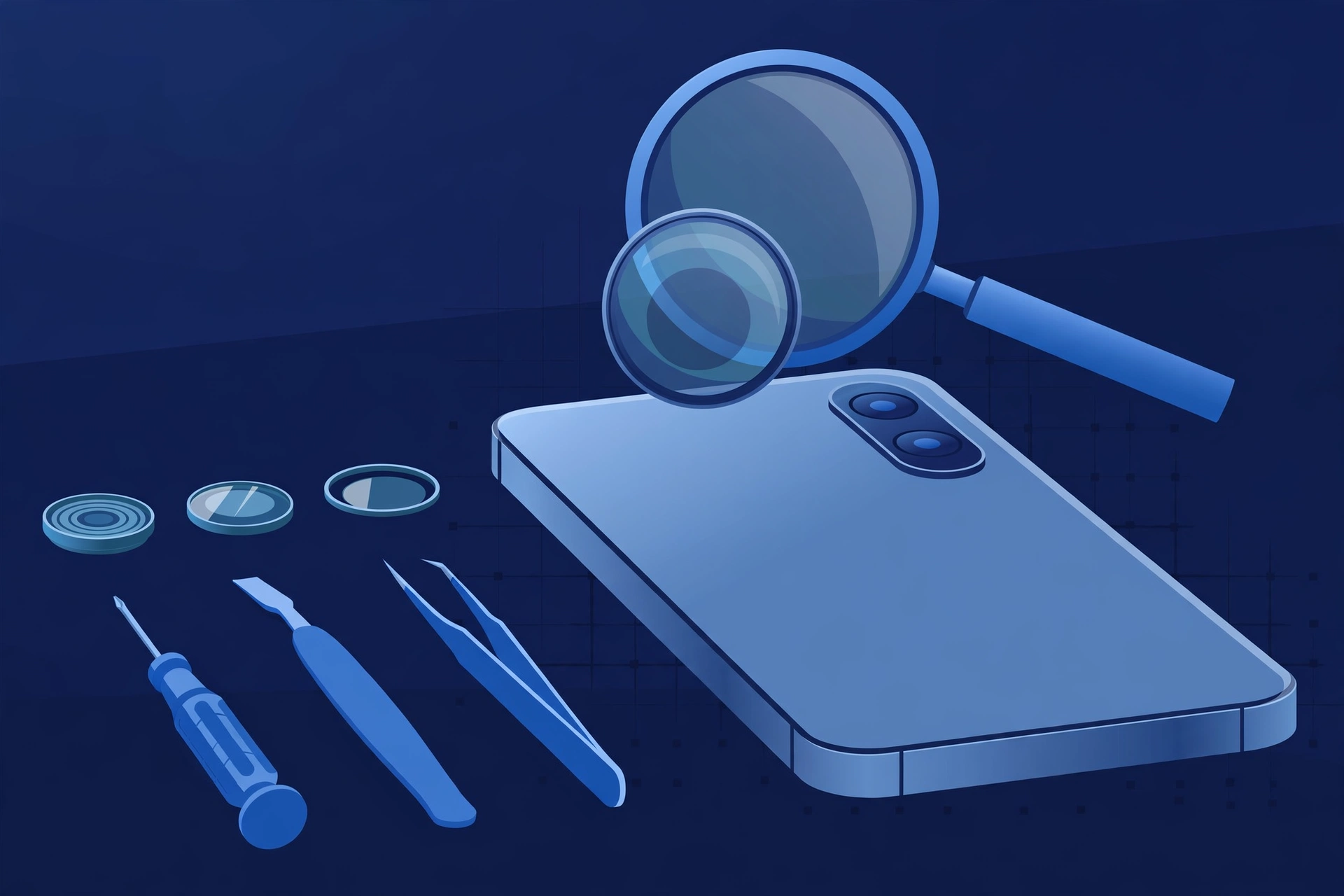
Prepared by FixUpPhone Editorial. Documentation checked October 15, 2026. Apple specifications, service fees and coverage terms are distinguished from FixUpPhone’s assessed repair process. No hands-on repair, technician case history, customer experience, test result, photo sample or fixed FixUpPhone price is claimed for this model. The featured artwork is an original illustration. Apple is not affiliated with FixUpPhone; its prices and terms are a public reference only.
- Apple — iPhone 16 technical specifications (48MP Fusion Main 26mm ƒ/1.6, 12MP Ultra Wide 13mm ƒ/2.2 with macro, 2x main-sensor crop, 12MP TrueDepth front)
- Apple Support — iPhone service and repair (inspection determines the final fee; warranty scope; AppleCare+ terms)
- iClarified, September 2024 — Apple’s published US service fees at launch (rear camera $169; “other damage” $549), corroborated by Neowin’s September 2025 current-fee table (camera fee unchanged)
- FixUpPhone — Phone Repair Services and Mail-In Phone Repair, checked October 15, 2026
- FixUpPhone — Locations, checked October 15, 2026
For corrections or device help, contact FixUpPhone.