iPhone 15 Microphone Repair Cost: Tests & Service Options
There is no published “microphone” price for the iPhone 15 — not from Apple, and not from FixUpPhone. Apple does not list a microphone as a separate repair: damage falls into its $549 “other damage” category out of warranty, or a $99 fee with AppleCare+. Independent shops quote after assessment, because most “dead microphone” complaints turn out to be a blocked opening, a case covering it, an app permission, or an accessory quietly taking over the audio. This guide isolates the fault test by test — calls against recordings against video — first.
ϟ Quick Expert Summary
Isolate before you budget. Record in Voice Memos and play it back, record video with both cameras and compare, then try a call three ways — speakerphone, at your ear, and through a headset. The pattern tells you more than any single failure: one app silent points to a permission; a headset working everywhere points back at the phone; nothing recording anywhere points to software. Then: case off, permissions checked, openings brushed gently. If audio still fails, hardware is likely. At Apple it is “other damage” at $549 ($99 with AppleCare+); an independent repair is quoted after assessment.
Source-based editorial guidance, not a FixUpPhone price quote, hands-on repair report or technician case history.
✓ A Repair Makes Sense When
- The same test path keeps failing after the free checks
- A headset microphone works, but the phone itself does not
- Callers cannot hear you in a quiet room, case off
- Symptoms began with a drop or liquid exposure
× Do Not Pay Yet When
- Only tested one app? Check its permission first
- A case or protector may cover a microphone opening
- An accessory may be routing the audio
- AppleCare+ active — the same damage is a $99 Apple fee
Audio
Built-in microphone(s) & stereo speaker
$549
Apple “other damage” tier
$99
With AppleCare+, other damage
Quote
FixUp price after diagnosis
Test by test.
Pay for the right fix.
Blockages, permissions, routing and real mic damage — separated.
① Key Specifications
| Design | Aluminum design; Ceramic Shield front; color-infused glass back |
|---|---|
| Finishes | Black, Blue, Green, Yellow, Pink |
| Audio | Built-in microphone(s); built-in stereo speaker (no count published) |
| Display | 6.1-inch OLED, 2556×1179, 460 ppi, Dynamic Island, 1,000 / 1,600 / 2,000 nits |
| Chip | A16 Bionic |
| Cameras | 48MP Main, 26 mm, ƒ/1.6 (with 12MP 2x crop); 12MP Ultra Wide, 13 mm, ƒ/2.4; front 12MP, ƒ/1.9 |
| Weight | 171 g |
| Storage | 128GB / 256GB / 512GB |
| Connector | USB-C, USB 2 up to 480Mb/s, DisplayPort |
| Charging | Wired: up to 50% in around 30 minutes, 20W adapter or higher; MagSafe 15W; Qi2 15W |
| Battery (Apple lab figures) | Video playback up to 20 hours; streamed video up to 16 hours |
| Resistance | IP68 laboratory rating when new (6 m for 30 minutes); resistance is not permanent |
| Wireless & SIM | Wi-Fi 6, Bluetooth 5.3, second-gen Ultra Wideband; physical SIM or eSIM by region |
| US starting price | $799 for 128GB |
| Release | Announced September 12, 2023; released September 22, 2023, with iOS 17 |
Apple technical specifications
Apple gives no microphone count for this model, so this guide tests by function: calls, voice recordings, and video.
② FixUpPhone Expert Analysis
Practical diagnosis and repair-cost analysis based on Apple’s published specifications, service fees and coverage terms, plus FixUpPhone’s published service information.
Why there is no microphone-only price
Apple’s fee table lists screens, back glass, cameras, batteries and an “other damage” category. A microphone is not a line item: damage is priced inside that $549 tier out of warranty — about 69% of the phone’s $799 launch price — or at the $99 AppleCare+ fee. So the honest work is proving whether you have microphone damage at all. Apple inspects before confirming its final fee; tax and shipping may apply; authorised providers set their own fees. Cover honesty: launch buyers’ one-year warranty expired in September 2024 (on sale September 22, 2023); cover today means AppleCare+ or a later purchase date — and liquid damage was never warranty-covered.
Test one: Voice Memos — the voice-recording path
Start in a quiet room. Open Voice Memos, record ten seconds of speech, and play the clip back through the phone’s own speaker — not connected earbuds. This tests the call-and-voice path in its simplest form: no network, no other person. Clear playback means that path works; if callers still cannot hear you, the problem is likely calls-specific, an accessory or the network. Silence, muffling or crackling here is your baseline — every later test is compared against it.
Test two: video with the rear camera, then the front camera
Record a short video with the rear camera while speaking, then a second with the front camera, saying the same words. Play both back and compare. Video uses different audio paths from a voice memo, and the two camera directions differ — so a difference is information. Rear video clear but front video silent localises the fault to one recording path. Both videos fine while Voice Memos failed means re-checking how the memo was recorded. Everything muffled alike points to something common: a covering, debris, or liquid history.
Test three: a call three ways — speaker, ear, headset
Make a call three ways, in the same place: on speakerphone, at your ear, and with a wired USB-C or Bluetooth headset connected. The verdicts are decisive. If the headset’s microphone works everywhere the phone’s own audio fails, the built-in audio path is convicted: network, app and the other person are cleared in one move. If speakerphone works but the at-ear call does not — or the reverse — the fault follows one call path, supporting a hardware assessment. If nothing transmits usable sound anywhere, headset included, think software or system first.
Test four: permissions, case and silent accessory routing
Check the free causes in this order — and if only one app is silent, start here, before every other test. First, permissions: open Settings → Privacy & Security → Microphone and find any app that failed. If its switch is off, that app records silence while the hardware is perfect — it sounds exactly like a dead microphone. Second, coverings: remove case and protector and repeat the failing test; a case made for a similar-looking phone, or a protector edge over an opening, can muffle sound completely. Third, routing: disconnect Bluetooth and USB-C audio accessories and retest — phones listen through whichever accessory they believe is connected, and earbuds in another room are a classic “nobody can hear me” cause.
Test five: gentle debris care — and what never to do
Look across the bottom-edge microphone openings with a torch. Lint and debris pack in gradually, which is why muffled sound creeps in rather than arriving overnight. The safe home limit is a soft, dry brush passed gently over the openings — nothing more. Never push pins, SIM tools or any pointed object into an opening; never use liquids; never blast compressed air in, because what sits behind the openings is delicate. If brushing changes nothing, stop: a professional clean under magnification is cheaper than a component repair.
Test six: restart, then update iOS
If every path still fails, restart the phone, retest, then install any pending iOS update and test again. A stalled audio process or outdated build can silence recordings across apps at once, and these free steps separate software from hardware before any money is discussed.
Reading the symptom forks
Four symptom shapes cover most cases. Muffled or “underwater” sound points first to a blockage — debris or a covering — or to liquid quietly corroding contacts. Intermittent sound points to accessory routing or software. One-app-only silence points to a permission or that app’s settings. Dead everywhere after liquid exposure or a drop points at hardware: drops can damage internal components even when the aluminum frame and Ceramic Shield front look unmarked, and liquid damage can worsen over weeks. IP68 is a laboratory rating (6 metres, 30 minutes) when new; resistance is not permanent, and liquid damage is never warranty-covered. Tell any repairer about drops and liquid up front.
What a real microphone repair involves — and the money picture
If the ladder convicts the hardware: the internal microphone components sit inside a sealed phone, on internal flex assemblies, so the work involves opening the device, seals, small connectors, and replacing the affected assembly. That is why FixUp quotes after assessment: the failed path must be identified first, because it decides the job. General repair time is 1–7 days; repairs carry a 3-month warranty. After any opening, a new seal should be fitted, and the factory IP68 rating cannot honestly be re-certified. Insist post-repair testing repeats the ladder — Voice Memos, both camera directions, calls on speaker, at the ear and by headset — because a repair verified on one path can leave another failing. Genuine hardware at Apple is the $549 tier (about 69% of the $799 launch price) against an assessed independent quote; with AppleCare+, Apple’s $99 route comes first.
Questions to ask before you approve
- Which test paths failed — calls, memos, front video, rear video?
- Could the openings just need a clean, not a part?
- What does the quote include — parts, labour, seals, tax?
- Will every test path be re-tested afterwards, not just calls?
- What warranty covers the part and labour?
- Is there any sign of liquid damage?
- Could AppleCare+ cover this at the $99 fee?
③ Pros & Cons: Independent Repair vs Apple’s Tier
✓ Reasons for an Assessed Independent Repair
- Diagnosis first — you may only need a clean or a settings fix
- Priced as the assessed job, not Apple’s $549 tier
- Keeps a $799 phone whose only fault is one audio path
- Available locally in CA or NV, or through mail-in service
× Reasons to Use Apple Instead
- AppleCare+ active? The same damage is a $99 service fee at Apple
- A genuine defect belongs in a warranty conversation
- Combined damage may make Apple’s tier simpler to compare
- Any opening of the phone breaks the factory seal, whoever does it
Microphone Repair Cost? Check the Published Prices
Apple publishes no microphone-specific fee, so the honest table is Apple’s categories plus the assessed route. Context fees: screen $279, back glass $169, screen and back together $399, battery $99, rear camera $169.
| Your route | Published price | What it means |
|---|---|---|
| Apple — microphone damage, no cover | $549 | No microphone-only fee exists; damage falls into “other damage” — about 69% of the $799 launch price. |
| Apple — microphone damage, with AppleCare+ | $99 | The AppleCare+ fee for other damage — check first if your plan is active. Battery service under the plan is $0 below 80% capacity. |
| Apple — defective microphone under cover | Covered | A defect is handled under warranty or AppleCare+ terms. Debris, wear and accidental or liquid damage are not defects. |
| FixUpPhone — professional clean | Quote after assessment | If blocked openings are the problem, no part is needed; cost confirmed at assessment. |
| FixUpPhone — microphone repair | Quote after assessment | No fixed price is published. The failed test path and included testing are confirmed first; work proceeds only after you approve the quote. |
| DIY cleaning | Proceed with care | A soft, dry brush is the safe home limit. Never insert pins or tools, use liquids, or aim compressed air into an opening. |
Check Apple’s iPhone repair terms, fees and coverage
Request a diagnosis and an assessed quote
Apple fees checked October 15, 2026, from the launch fee table; no post-launch revision was found. Prices can change. None of Apple’s figures is a FixUpPhone price.
④ Repairability & Common Repair Needs
Blocked openings first
A muffled or distant voice is very often an opening packed with lint, not failed hardware. The giveaway is gradual decline: every test still works, just more quietly. Professional cleaning under magnification clears the openings safely — the cheapest outcome here.
One path, or every path?
The test pattern decides the job. A fault on one path — speakerphone fails, at-ear calls pass; front video silent, rear video clear — localises the problem and supports a targeted assessment. A fault on every path at once points first to a permission, a covering, routing or the shared audio system. Hence the whole ladder, before and after work.
Document the diagnosis
Ask for the finding in writing — clean, repair, or a fault elsewhere — with test results attached. Keep it with the phone’s service history. A clear diagnosis protects you from paying for hardware when a blocked opening or a permission was the problem.
Apple service and repair information · Request a FixUpPhone diagnosis
These are possible causes, not claims of a model-wide defect. Never push pins, tools or compressed air into microphone openings, and never use liquids on them. Flag liquid exposure, heat or battery damage before mail-in shipment.
People Can’t Hear You on Your iPhone 15?
Tell FixUpPhone what the phone is doing and choose a store or mail-in.
- Callers say you sound muffled or far away
- Voice Memos record silence or crackling
- Speakerphone works but at-ear calls do not — or the reverse
- Front-camera video has no sound
- Rear-camera video audio is missing or faint
An online booking is a request; the team confirms the next step with you.
Mail-In Repair Service
Start with the repair request form and choose Mail-In Repair. You pay to ship the phone to FixUpPhone; FixUpPhone pays return shipping. Do not send the device until the receiving store and instructions are confirmed.
Start Mail-In Repair →Back up first. Note which tests failed, and flag liquid damage, overheating or a damaged battery.
Prefer to visit? Find a repair location →Visit a FixUpPhone Store
Lynwood, CA — microphone repair · 3100 E Imperial Hwy, Store M1002, Lynwood, CA 90262 · Every day 11 AM–8 PM · (805) 857-4225
Santa Barbara, CA — microphone repair · 619 A State St, Santa Barbara, CA 93101 · Mon–Fri 11 AM–8 PM; Sat 10 AM–8 PM; Sun 12 PM–7 PM · (805) 857-4226
Las Vegas, NV — microphone repair · 875 S Grand Central Pkwy, Unit TT32, Las Vegas, NV 89106 · Mon–Sat 10 AM–8 PM; Sun 10 AM–7 PM · (818) 482-3605
Questions: contact FixUpPhone or email support@fixupphone.com.
How It Works
- BookSubmit model, store or mail-in choice, and symptoms.
- DiagnoseThe team repeats the ladder, ruling out blockages and routing.
- ApproveReview the finding and quote before authorising work.
- RepairGeneral timeframe 1–7 days, plus mail-in shipping time.
- Collect or ReturnCollect in store or receive the return; repairs include a 3-month warranty.
⑤ Should You Repair or Replace It?
Follow the ladder in order. If a permission toggle or removing the case fixes it, the correct spend was nothing; if a clean fixes it, you needed a service, not a part. Only a failed audio path is a repair decision: Apple’s $549 tier is about 69% of the $799 launch price, against an assessed independent quote. With AppleCare+ active, Apple’s $99 fee beats both.
| Diagnosis | Right move | Why |
|---|---|---|
| Permission denied, case covering, or accessory routing | Fix it free and retest | The hardware was never faulty. |
| Blocked microphone openings | Professional clean | No part required; probing at home risks real damage. |
| Microphone damage, AppleCare+ active | Apple at the $99 fee | The plan covers other damage at that fee. |
| Microphone damage, no cover | Assessed independent repair | Compare an assessed quote with Apple’s $549 tier and replacement. |
| Microphone plus other major damage | Combined written quote | Use the repair-or-replace framework on the total. |
Replacing the whole phone over one audio path is the last resort — it only makes sense when combined repair costs approach the value of keeping the phone.
Request a trade-in assessment →⑥ Alternatives & Comparison
Use a headset’s microphone for calls and recordings while you arrange a diagnosis.
Explore option →The speaker guide separates playback faults from recording faults.
Explore option →The iPhone 18 Pro Max guide uses the same method, with its own fees.
Explore option →⑦ Accessories We Recommend
A stopgap and a diagnostic tool: if callers hear you through a headset while the phone itself fails, the built-in path — not the network — is the problem.
A case with precise cut-outs keeps every bottom-edge opening clear — a case from a similar-looking phone is a classic cause of muffled calls.
For video creators: keep recording while a fault is assessed; comparing recordings is itself good evidence.
Check specifications and compatibility before ordering.
⑧ Frequently Asked Questions
How much does iPhone 15 microphone repair cost?
There is no microphone-only price. At Apple, damage falls into the $549 “other damage” category out of warranty, or $99 with AppleCare+. FixUpPhone quotes after assessment; a permission, covering or blockage needs no repair.
Why does Apple charge $549 for a microphone problem?
Because a microphone is not one of Apple’s listed component repairs. Apple prices unlisted damage in its “other damage” tier, covering far more than one audio fault. An independent repair is priced as the specific job diagnosed.
How do the tests separate the faults?
Each test uses a different path: Voice Memos tests voice recording alone; the two camera videos compare recording paths; calls on speaker, at the ear and by headset compare call paths against an external microphone. The pattern localises the fault.
What if a headset microphone works but the phone’s does not?
It clears the network, app and other person in one move: the call can carry your voice, the phone’s built-in path cannot. With the other results, that supports a hardware assessment.
Why do people say I sound muffled on calls?
Usual causes, in order: a blocked opening, a case or protector covering one, an app permission problem, or the phone listening through an accessory elsewhere. Work through the test ladder first; if muffling persists after a brush-clean and case-off retest, book an assessment.
Can I clean the microphone openings myself?
Gently, yes — a soft, dry brush over the openings is the safe limit. Never insert pins or tools, use liquids, or aim compressed air into the openings: what sits behind them is fragile.
How long does a FixUpPhone microphone repair take?
FixUpPhone’s general repair time is 1–7 days, with a 3-month warranty. Your timescale comes with your quote.
Can I mail my iPhone 15 to FixUpPhone for a microphone repair?
Yes — start a request, choose Mail-In Repair, and do not post the phone until the store and instructions are confirmed. You pay inbound shipping; FixUpPhone pays the return. Back up first and flag liquid exposure, overheating or a damaged battery.
Sources & Editorial Notes
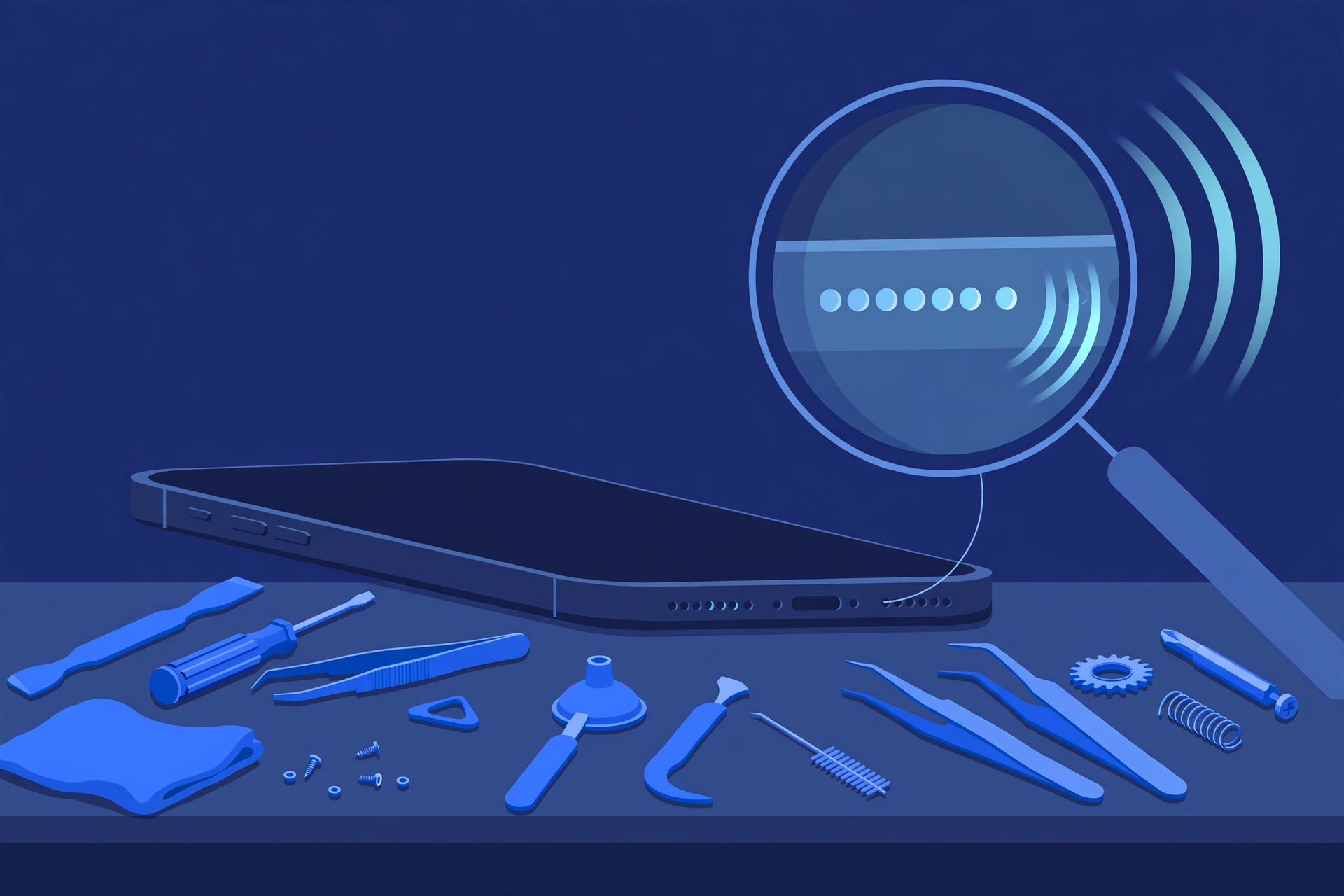
Prepared by FixUpPhone Editorial. Documentation checked October 15, 2026. Apple material is distinguished from FixUpPhone’s assessed process. No hands-on repair, case history, customer experience or fixed FixUpPhone price is claimed. The artwork is an original illustration. Apple is not affiliated with FixUpPhone.
- Apple — iPhone 15 technical specifications (design, display, chip, cameras, charging, battery, IP68, wireless, audio wording)
- MacRumors, September 12, 2023 — Apple announces iPhone 15 and iPhone 15 Plus (finishes, $799 price, September 22, 2023 availability)
- Apple Support — iPhone service and repair (inspection determines the final fee; tax/shipping may apply; authorised providers set their own fees)
- Tom’s Guide, September 2023 — iPhone 15 repair costs (launch fees: screen $279, battery $99, rear camera $169, other damage $549) and PhoneArena, September 2023 (display $279, back glass $169, both $399)
- FixUpPhone — Phone Repair Services and Mail-In Phone Repair, checked October 15, 2026
- FixUpPhone — Locations, checked October 15, 2026
For corrections or device help, contact FixUpPhone.