iPhone 13 Overheating: Common Causes, Safe Fixes & Prevention
An iPhone 13 that runs hot is usually protecting itself, not failing. Apple designs it for ambient temperatures of 0° to 35 °C (32° to 95° F); beyond that range it defends itself — charging can slow or hold, the display can dim, and it can shut down until cool. This guide works the causes in order and gives the safe way to cool the phone. Apple has no “overheating fee” — only the cause carries a price.
ϟ Quick Expert Summary
Hot now — especially with swelling, a chemical smell or a shutdown? Stop, unplug, and do not charge it while hot, wired or wireless. Otherwise take the case off and let it cool gradually in shade: a temperature warning means the protection worked as designed. Heat at rest or with fast drain points at the battery, so check Battery Health early. Swelling or smell: in-person help, never the mail.
Source-based editorial guidance — not a price quote, hands-on repair report or case history.
✓ Usually Normal Warmth
- Warmth while wired fast charging or on MagSafe
- Heat while gaming, navigating or recording long video
- Warmth for a day or two after a major iOS update
- Warmth while the phone holds a weak signal
× Warning Signs — Stop and Get Help
- Heat at rest, with no load to explain it
- Temperature warnings repeating indoors in mild weather
- Heat together with fast drain or shutdowns
- A lifting or bulging screen or back, or a chemical smell
35° C
Apple’s max operating ambient
$89
Apple battery fee if the cell is the cause
$0
Battery with AppleCare+ under 80% health
Quote
FixUp diagnosis priced after assessment
Cool it safely.
Then find the cause.
Protection, normal warmth and real danger — separated.
① Key Specifications
| Operating ambient temperature | 0° to 35 °C (32° to 95° F) |
|---|---|
| Storage temperature | −20° to 45 °C (−4° to 113° F) |
| Design and finishes | Ceramic Shield front, Glass back and aluminum design; (PRODUCT)RED, Starlight, Midnight, Blue or Pink at launch, Green added March 2022; 174 g; 146.7 × 71.5 × 7.65 mm |
| Display | 6.1-inch OLED, 2532×1170 at 460 ppi; 800 nits max brightness, 1,200 nits peak (HDR); 2,000,000:1 contrast; smaller notch — no ProMotion, no Always-On display and no Dynamic Island on this model |
| Chip and storage | A15 Bionic with 4-core GPU; 128GB, 256GB or 512GB |
| Battery (Apple lab figures) | Video playback up to 19 hours; streamed video up to 15 hours; audio up to 75 hours |
| Fast charge (wired) | Up to 50% in around 30 minutes with a 20W adapter or higher (sold separately), over Lightning |
| Wireless charging | MagSafe up to 15W; Qi up to 7.5W; Qi2 up to 15W with iOS 17.2 or later |
| Cameras | Dual 12MP system: Wide ƒ/1.6 with sensor-shift optical image stabilisation; Ultra Wide ƒ/2.4, 120° field of view, no autofocus, no macro; 2x optical zoom out only, digital zoom up to 5x; front 12MP ƒ/2.2, no autofocus |
| Connector and wireless | Lightning connector; Wi-Fi 6; Bluetooth 5.0; physical SIM or eSIM depending on region |
| Water and dust resistance | IP68, 6 metres for up to 30 minutes |
| US starting price and release | $799 for 128GB; released September 24, 2021, with iOS 15; discontinued September 9, 2024 |
Apple technical specifications for this model, reproduced in full
Controls are traditional: Side button, volume buttons and the Ring/Silent switch — no Action button, no Camera Control. Display-side heat suspects here are brightness and workload only.
② FixUpPhone Expert Analysis
Practical analysis based on Apple’s published specifications, guidance and fees, plus FixUpPhone’s service information.
Read the temperature warning correctly: it is protection, not failure
Apple publishes a working range — 0° to 35 °C ambient — and protective responses beyond it. A phone that gets too warm can throttle, hold or slow charging, dim its display, ease back its radios and show the temperature warning; in extreme heat it can shut down until it cools. That is designed protection, not a defect claim. Check Battery Health early (Settings → Battery → Battery Health) — it frames everything below. Warnings deserving investigation repeat indoors, in mild weather, with no workload to explain them.
The safe way to cool a hot phone
Work the ladder in order. One: stop the workload and unplug the charger — charging adds heat, and a hot phone must not be charged, wired or wireless. Two: case off, into shade, cool gradually at room temperature. Three: try Airplane Mode; if the heat fades, signal effort was part of it. Four: restart once cooled, then install waiting updates. Never use a fridge, freezer, cold water or ice: rapid chilling risks condensation inside a sealed phone and thermal shock to its glass, and liquid damage is never covered by Apple’s warranty. The IP68 rating is not a cooling method.
Cause one: sun, heat and the parked car
The most common cause is the simplest: the phone is somewhere hotter than its working range. Direct sun, a dashboard or a parked car can push the air around it past the 35 °C operating ceiling — a closed cabin can pass even the 45 °C storage ceiling. The fix is not a repair: move it, shade it, let it cool. Warnings that only follow sun or car time have told you the cause.
Cause two: charging heat, stacked load and the cheap cable
Heat is a by-product of work. Wired fast charging warms the back on its own, and MagSafe at up to 15W runs warm too. Stack a demanding job on top and the warmth stacks: gaming or long camera recording while plugged in, navigating in a sunny car, a long video call while refilling. A worn or cheap cable adds resistance heat at the plug — swap in a sound cable before suspecting the phone. Unplug and stop the heavy job: if it cools, it was stacked load, not damage.
Cause three: first setup, indexing and the day or two after an update
First setup, a restore and a major iOS update are all followed by one-time background work — photos are indexed and analysed, search data rebuilt, content synced. For the first 24 to 48 hours the phone can run warm and drain faster. Warmth still present a week later has earned the checks below.
Cause four: weak signal makes the radios work harder
In fringe coverage the radios work harder to hold a connection — steady warmth plus drain, often a pattern by place. The Airplane Mode test exposes it; if heat follows location rather than apps, prefer Wi-Fi where you can.
Cause five: one app doing too much — prove it in Settings → Battery
When nothing else explains the heat, one app is the next suspect. Open Settings → Battery: the graph records which apps spent the power. An app near the top, with background activity far beyond your time in it, is the culprit: update it, restart, watch a day — then limit its background activity or remove it. The last software step is Reset All Settings (Settings → General → Transfer or Reset iPhone → Reset) — defaults restored, data kept.
The hardware fork: when heat points at the battery
Three patterns mark where habits stop being the story. Heat at rest — unused, unplugged, in a cool room. Heat with fast drain together, the signature of a cell working too hard. And heat in one spot with a physical change: a lifting screen or back can mean swelling. Check Settings → Battery → Battery Health: capacity well below its original figure, or a service message, supports the worn-battery reading. Launch phones are five years old in October 2026, so a worn cell is a first-line suspect, not a last resort. If swelling is present, treat it as a hard stop: stop using and charging the phone, do not press on the lifted glass, do not put it in the mail — book in-person help.
If hardware is the cause, what decides the bill
Apple publishes no overheating fee — diagnosis decides which line applies. A worn battery is the $89 service (was $69 at launch; raised $20 on March 1, 2023), or no additional charge with AppleCare+ below 80% capacity. Deeper damage is the “other damage” tier at $479 (was $449 at launch), or the $99 AppleCare+ fee. For scale: screen is $279, and a separate back-glass line of $169 exists today — not at launch — resting on current authorised-provider reproductions of Apple’s schedule (Apple’s US page is estimator-only). With AppleCare+ those lines are $29 each, $58 for both. A launch-day phone’s one-year warranty expired in September 2022, so cover today means AppleCare+ or a later purchase date.
Prevention: the habits that keep this phone cool
The ladder reads backwards as prevention: charge in shade, case-off on hot days; never leave it in a parked car; avoid stacking charging, gaming and navigating in heat; keep iOS and apps updated.
Questions to ask before you approve
- What did the diagnosis find — environment, an app, the battery, or deeper hardware?
- What is the battery health percentage? Any sign of swelling?
- What exactly is included in the quote — parts, labour, seals, tax?
- What warranty covers the part and labour?
- Could AppleCare+ cover this instead — free battery below 80% health, or the $99 fee?
③ Pros & Cons: Troubleshooting First vs Booking Straight In
✓ Reasons to Troubleshoot First
- Most heat here is environmental or workload-based and free to fix
- Safe cooling protects the battery while you diagnose
- The Battery settings screen names a problem app with evidence
- A free Battery Health check answers the biggest question
× Reasons to Book In Immediately
- Swelling, lifting glass or a chemical smell — in person
- Heat at rest with fast drain points at the cell
- Repeated warnings indoors mean protection is firing often
- AppleCare+ active? A battery under 80% health is replaced at no additional charge
Overheating With a Hardware Cause? Check the Published Prices
Troubleshooting is free. If diagnosis lands on hardware, these are Apple’s current published fees for this model; Apple inspects before confirming its final fee, and tax and shipping may apply.
| Your route | Published price | What it means |
|---|---|---|
| Apple — battery replacement | $89 | When the worn battery is the heat source. About 11% of the $799 starting price. |
| Apple — battery, with AppleCare+ | $0 additional | A battery below 80% capacity — check your health figure first. |
| Apple — other internal damage | $479 | Deeper internal damage — about 60% of the starting price. |
| Apple — other damage, with AppleCare+ | $99 | The AppleCare+ fee for other damage — check this route first if your plan is active. |
| Apple — screen / back glass, for scale | $279 / $169 | Separate damage lines, not heat charges. AppleCare+: $29 each, $58 for both. No combined fee exists for this model, and no US rear-camera fee is stated. |
| FixUpPhone — heat diagnosis | Quote after diagnosis | No fixed price is published for heat faults; the cause decides the job, and work proceeds only after you approve the quote. Never mail a hot or swollen phone. |
Apple’s current repair terms, fees and coverage routes
Request a diagnosis and assessed quote
Apple fees checked October 15, 2026. Prices and terms can change. None of Apple’s figures is a FixUpPhone price.
④ Repairability & Common Repair Needs
Battery condition is the usual hardware story
When heat is a hardware fault here, the battery is the first suspect. Heat plus fast drain: Battery Health check first, part second.
Heat at the connector belongs in a diagnosis
A phone that heats around the Lightning connector while charging may have damage or corrosion in the charging path — report a loose fit or warmth at the plug when you book.
Document the pattern before you book
Note when it gets hot — charging, gaming, idle, in the car — plus case use and Battery Health.
Apple guidance: if your device gets too warm or too cold · Request a FixUpPhone diagnosis
These are possible causes and service considerations, not claims of a model-wide defect. Back up before any repair. If the battery is swollen, the phone unusually hot, or you smell anything chemical, stop using and charging it and get in-person help — never ship it by mail.
iPhone 13 Running Hot?
Tell FixUpPhone when it heats up and what you were doing — that pattern is the fastest route to the cause.
- Hot while charging, at idle, or only in the car
- Temperature warning, or charging paused by heat
- Heat with fast drain or shutdowns
- Heat in one spot, or at the Lightning connector
- Any swelling, lifting glass or chemical smell — come in, do not mail
An online booking is a request; the team confirms the next step with you.
Mail-In Repair Service
Start with the repair request form and choose Mail-In Repair. You pay to ship the phone to FixUpPhone; FixUpPhone pays the return shipping. Do not send the device until the receiving store and shipping instructions have been confirmed. Back up first, and flag overheating or battery damage before shipping. One exception: never mail a phone that is hot or swollen — that needs in-person help.
Start Mail-In Repair →Include your heat notes and Battery Health figure.
Prefer to visit? Find a repair location →Visit a FixUpPhone Store
Lynwood, CA — battery replacement · 3100 E Imperial Hwy, Store M1002, Lynwood, CA 90262 · Every day 11 AM–8 PM · (805) 857-4225
Santa Barbara, CA — battery replacement · 619 A State St, Santa Barbara, CA 93101 · Mon–Fri 11 AM–8 PM; Sat 10 AM–8 PM; Sun 12 PM–7 PM · (805) 857-4226
Las Vegas, NV — battery replacement · 875 S Grand Central Pkwy, Unit TT32, Las Vegas, NV 89106 · Mon–Sat 10 AM–8 PM; Sun 10 AM–7 PM · (818) 482-3605
Email support@fixupphone.com or use the contact page.
How It Works
- BookSubmit the model, store or mail-in choice, and heat notes.
- DiagnoseThe team checks battery health, the charging path and software.
- ApproveReview the finding and quote before authorising work.
- RepairRepairs generally take 1–7 days, plus shipping time for mail-in.
- Collect or ReturnCollect in store or receive the mail-in return; repairs include a 3-month warranty.
⑤ Should You Repair It — or Keep Troubleshooting?
Use the pattern, not the panic. Heat that tracks a task and cools afterwards is behaviour, not damage. Heat that survives safe cooling and the software ladder has earned a diagnosis.
| Pattern | Right move | Why |
|---|---|---|
| Warm while charging, gaming or filming; cools after | Nothing — normal behaviour | Heat follows work and ends with it. |
| Heat traced to sun, car or case | Change the environment | Shade, moving air, case off while charging. |
| Warm for a day or two after an update | Wait and let it settle | Background indexing resolves on its own. |
| Hot at rest, with fast drain or shutdowns | Book a diagnosis | Protection firing with no load — a worn cell is $89 at Apple. |
| Swelling, lifting glass, chemical smell | Stop. Do not charge. In-person help | A possible battery failure. Never mail it. |
Battery wear plus other damage? Judge the combined total — the repair-or-replace framework covers that. There is no combined screen-and-back fee for this model — Apple prices those lines separately.
Request a trade-in assessment →⑥ Alternatives & Comparison
Heat plus fast drain is one pattern — read it from the battery side.
Explore option →The $89 fee, the AppleCare+ rule and when replacement is worth it.
Explore option →The same protection-first method on the iPhone 14 Pro.
Explore option →⑦ Accessories We Recommend
Sound gear keeps fast charging efficient and removes a false suspect from heat investigations. The connector is Lightning, not USB-C.
Heavy cases trap warmth during long charges and gaming; a lighter case — or none while fast-charging — sheds heat better.
Navigation in a sunny car is the classic heat scenario; a shaded, airflow mount prevents the warning.
Check the exact product specifications and compatibility before ordering.
⑧ Frequently Asked Questions
Is it normal for my iPhone 13 to get warm while charging?
Yes. Wired fast charging — up to 50% in around 30 minutes with a 20W adapter or higher — generates warmth, and MagSafe at up to 15W runs warm too. Warmth that fades afterwards is normal. Too hot to hold: unplug it, case off, cool in shade.
What temperature is too hot for the iPhone 13?
Apple’s range: 0° to 35 °C (32° to 95° F) in use; storage −20° to 45 °C. Beyond that range it protects itself — charging can hold, the display dims, or it shuts down until cool.
Can I cool a hot iPhone 13 in the fridge or with cold water?
No — never do either: rapid chilling risks condensation inside a sealed phone and thermal shock to its glass. Unplug it, case off, cool gradually in shade.
Why does my iPhone 13 get hot when I am not using it?
Something is working without you: post-update processing, one app running hard, or radios straining on a weak signal. Restart once cooled, then check Settings → Battery. Daily idle heat, especially with fast drain, deserves a diagnosis.
Why does it overheat more than when it was new in 2021?
Battery wear: an older cell works harder and warmer, especially with fast drain. Check Settings → Battery → Battery Health — if the battery is the cause, Apple replaces it for $89, or free with AppleCare+ below 80% capacity.
What are the signs of a swollen iPhone 13 battery?
A screen or back lifting at the edges, or a phone that no longer sits flat — sometimes with heat in one spot or a smell. Stop using and charging it, do not press it down, and take it in person. Never mail it.
How much does it cost to fix an overheating iPhone 13?
There is no overheating fee at Apple — heat is a symptom, not a part. Environmental and software causes cost nothing. A battery cause: $89, or $0 additional with AppleCare+ below 80% health. Deeper damage: the $479 “other damage” tier, or the $99 AppleCare+ fee for other damage. FixUpPhone quotes after diagnosis.
Can I mail my overheating iPhone 13 to FixUpPhone?
Only if cool and unswollen: start a request, choose Mail-In Repair, flag the overheating, and wait for confirmed instructions. You pay inbound shipping; FixUpPhone pays the return. Hot or swollen: never mail it.
Sources & Editorial Notes
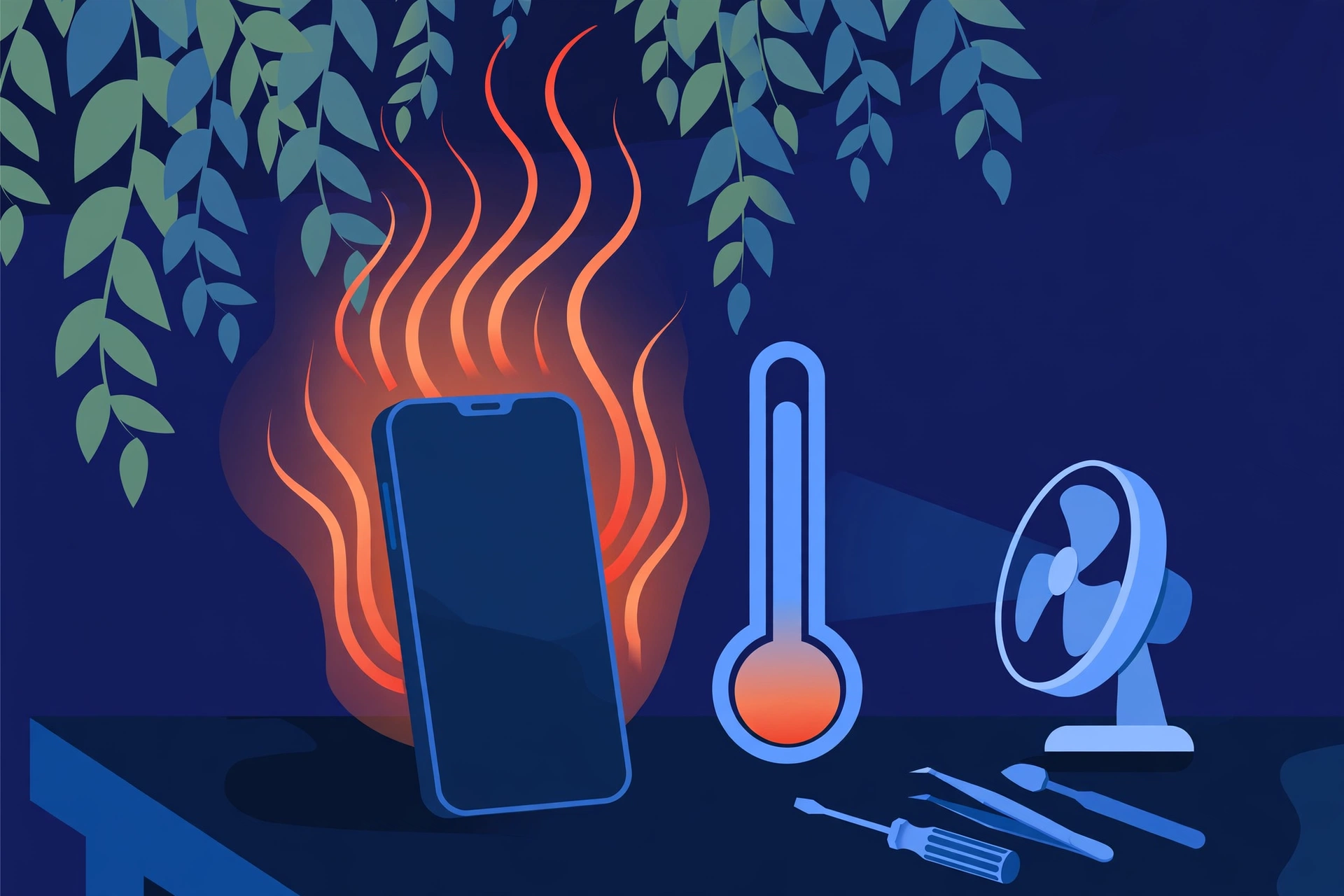
Prepared by FixUpPhone Editorial. Documentation checked October 15, 2026. Apple specifications, temperature guidance, fees and terms are distinguished from FixUpPhone’s assessed process. No hands-on repair, case history, measured result or fixed FixUpPhone price is claimed. The artwork is an original illustration. Apple is not affiliated with FixUpPhone.
- MobileRead Wiki — iPhone 13 specifications (Apple’s technical specifications text reproduced in full: design, display, battery, charging, environmental requirements)
- Apple Support — If your device gets too warm or too cold (temperature behaviour and protections)
- Apple Support — iPhone service and repair (inspection determines the final fee; AppleCare+ terms; US fees are given through Apple’s estimator)
- Apple Newsroom, September 14, 2021 — Apple introduces iPhone 13 and iPhone 13 mini (aluminum design, finishes, from $799)
- MacRumors, December 5, 2023 — iOS 17.2 brings Qi2 charging to iPhone 13 and iPhone 14 models (Qi2 stated only with the iOS 17.2-or-later condition)
- FixUpPhone — Repair Services and Mail-In Phone Repair, checked October 15, 2026
- FixUpPhone — Locations, checked October 15, 2026
Sourcing note: Apple states no USB speed for this model, so no USB speed is claimed here.
For corrections or device help, contact FixUpPhone.