iPhone 13 Power Button Repair Cost: Diagnosis & Options
First, name the exact control. On the iPhone 13, a “power button” complaint almost always means the Side button on the right — sleep/wake, a Siri press-and-hold, an Apple Pay double-click, and one half of the screenshot and force-restart combinations. Apple publishes no per-button fee: button damage falls into its $479 “other damage” tier, or $99 with AppleCare+. FixUpPhone publishes no button price either; jobs are quoted after assessment.
ϟ Quick Expert Summary
Identify the control before you budget: case off, then test the Side button, Volume Up, Volume Down and Ring/Silent switch, and run the feel test below. Turn on AssistiveTouch while you decide. Genuine button hardware is priced by Apple as “other damage”: $479 in current tables, or $99 with AppleCare+.
Source-based editorial guidance, not a FixUpPhone price quote, hands-on repair report or technician case history.
✓ A Repair Makes Sense When
- A button is stuck, loose, unresponsive or has lost its click
- The button is sunken, has no travel, or the fault followed a drop
- You cannot reliably lock, power off or force-restart
- Screenshots and Apple Pay confirmation no longer work reliably
× Do Not Pay Yet When
- You have not tested with the case removed
- Debris around the button edge has not been brushed away
- A button that clicks normally has not been retested after a restart
- AppleCare+ is active — the same damage is a $99 Apple fee
Side
Side button — sleep/wake, Siri, Apple Pay
$479
Apple “other damage” tier, current tables
$99
With AppleCare+, other damage
Quote
FixUp price after assessment
Name the button.
Then price the fix.
Side, volume, Ring/Silent — separated.
① Key Specifications
| Design | Ceramic Shield front, Glass back and aluminum design |
|---|---|
| Finishes | (PRODUCT)RED, Starlight, Midnight, Blue, Pink; Green added March 2022 |
| Buttons and switch | Side button, Volume Up, Volume Down, Ring/Silent switch |
| Display | 6.1-inch Super Retina XDR OLED, 2532×1170, 460 ppi, 800 nits typical / 1,200 nits HDR peak |
| Chip | A15 Bionic with 4-core GPU |
| Weight | 174 g; 146.7 × 71.5 × 7.65 mm |
| Storage | 128GB, 256GB, 512GB |
| Cameras | Dual 12MP — Wide ƒ/1.6 with sensor-shift optical image stabilisation; Ultra Wide ƒ/2.4; front 12MP TrueDepth ƒ/2.2 |
| Connector | Lightning; video out via Lightning adapters up to 1080p |
| Charging | Wired 50% in around 30 minutes (20W+ adapter); MagSafe 15W; Qi 7.5W; Qi2 15W with iOS 17.2 or later |
| Battery (Apple lab figures) | Video playback up to 19 hours; streamed video up to 15 hours; audio up to 75 hours |
| Resistance | IP68 (6 m / 30 min, laboratory rating when new) |
| Wireless and SIM | Wi-Fi 6, Bluetooth 5.0; physical SIM or eSIM depending on region |
| Launch | Announced September 14, 2021; released September 24, 2021, with iOS 15; US start $799 |
Apple technical specifications — iPhone 13 (full reproduction)
This model keeps the traditional layout: Side button, two volume buttons and a mechanical Ring/Silent switch on the left. There is no Action button on this model, and no Camera Control either — both arrived later. A stuck Ring/Silent switch is a different part and a different conversation from a Side button fault. The display likewise has no ProMotion, no Always-On feature and no Dynamic Island; it uses the notch.
② FixUpPhone Expert Analysis
Practical diagnosis and repair-cost analysis based on Apple’s published specifications, service fees and coverage terms, plus FixUpPhone’s published service information.
Step zero: which control is actually faulty?
Four edge controls, four failure modes. The Side button does the most: sleep/wake, Siri on a press-and-hold, an Apple Pay double-click, screenshots with Volume Up, and power-off with a volume button. Volume Up and Down also form part of force restart. On the left sits the Ring/Silent switch: if the phone “makes no sound”, it may simply be flipped to silent, orange mark showing — a different part, not the repair priced here.
Case off first: the commonest false alarm
Remove the case and retest — step one, not an afterthought. A stiff or misaligned case can press the Side button without pause, or shield it so a press barely registers: phantom presses, wake loops, accidental screenshots, or a stiff, mushy feel. Test every control bare, then clean debris around the button edge externally only, with a soft, dry brush. No liquids, no sharp probing. If a bare, clean button works normally, the phone was never faulty.
The feel test: clicks fine, or does not click at all?
A healthy button has a distinct click. Mushy feel, no travel, or double-clicking behaviour are mechanical signs. The opposite pattern points elsewhere: a button that clicks normally while the phone does not respond is not obviously the button at all, so restart first if you can, update iOS and retest. If the bare, clean, updated phone still fails in every function, the evidence points at hardware.
Force restart needs the button you are missing. The sequence — quick Volume Up, quick Volume Down, then hold the Side button — cannot be run if the Side button truly does nothing, and that circular problem is itself diagnostic: a phone that cannot be force-restarted because its button is dead has told you where the fault sits. Settings shutdown and AssistiveTouch are the bridge to a repair, not a fix.
What a dead Side button takes with it
Screenshots need Side + Volume Up. Force restart needs Volume Up, Volume Down, then the Side hold. Apple Pay confirmation needs the double-click. A dead Side button breaks all three at once — more than an inconvenience: you lose your main software recovery route exactly when you may need it.
The bridge: workarounds that keep the phone usable
While a repair is arranged, turn on AssistiveTouch in Settings → Accessibility → Touch: its on-screen controls lock the screen and restart the phone without any physical button. Raise to Wake and Tap to Wake make sleep/wake matter less, and Auto-Lock sleeps the screen without the button. Shut down via Settings → General → Shut Down; an off phone powers on via a charger. Bridges, not fixes.
Hardware signs, and safety
Treat these as hardware until proven otherwise: no click travel at all; a button sunken or loose; onset after a drop or a frame bend at the button; or a fault that followed liquid exposure. A swollen battery can also push on the frame: if the screen is lifting or the phone is hot, stop pressing, book in-person help, and do not mail that phone. Never pry at a stuck button.
The money picture: why Apple has no per-button price
Apple’s listed lines: screen $279; battery $89 (it was $69 at launch, until Apple raised it on March 1, 2023); back glass $169, in current tables but not at launch. No combined screen-and-back fee and no published US rear-camera fee exist for this model. Buttons appear nowhere: button damage sits inside “other damage” — $449 at launch, $479 currently, about 60% of the $799 launch price — or the $99 AppleCare+ fee. Caveat: Apple’s US page gives fees through an estimator, so the current $479 and $169 rest on authorised-provider reproductions. Warranty honesty: launch buyers’ one-year warranty expired in September 2022; liquid damage was never covered.
What a button repair involves, and what to test afterwards
The controls sit on internal assemblies inside a sealed phone, so repair means opening the device and fitting a new seal — why FixUp quotes after assessment. Afterwards, ask for every control to be tested — sleep/wake, Siri hold, Apple Pay double-click, power-off, both volume buttons, screenshot, both Ring/Silent positions. FixUp’s repair time is 1–7 days, with a 3-month warranty. After any opening, the factory IP68 rating cannot be re-certified.
Questions to ask before you approve
- Which control is faulty — Side, volume, or the Ring/Silent switch?
- Did you test case-off, and could cleaning be the whole fix?
- Did the button pass the feel test — a distinct click, full travel?
- What does the quote include — parts, labour, seals, tax?
- Will every control be tested afterwards, including the switch?
- Any sign of a swollen battery, liquid or frame damage?
③ Pros & Cons: Independent Repair vs Apple’s Tier
✓ Reasons for an Assessed Independent Repair
- Assessment first — fault may be case, debris or assembly
- Priced as a button job, not the $479 catch-all tier
- Restores lock, power-off, screenshots and force restart
- Locally in CA or NV, or by mail-in
× Reasons to Use Apple Instead
- AppleCare+ active? The same damage is a $99 fee at Apple
- Combined damage may make Apple’s single tier simpler to compare
- Frame or battery involvement may change the job — get quotes in writing
- Any opening of the phone breaks the factory seal, whoever does it
Power Button Repair Cost? Check the Published Prices
Apple publishes no button-specific fee, so the honest table is its damage categories plus the assessed route. Current figures are Apple’s fee-table values as reproduced by authorised providers — Apple’s own US page uses an estimator. Apple inspects before confirming its fee; tax and shipping may apply.
| Your route | Published price | What it means |
|---|---|---|
| Apple — button damage, no cover | $479 | Button damage is not a listed repair; it falls into “other damage” — about 60% of the $799 launch price ($449 at launch; $479 in current tables). |
| Apple — button damage, with AppleCare+ | $99 | The AppleCare+ fee for other accidental damage — check this route first if your plan is active. |
| Apple — other listed damage, for context | $279 / $89 / $169 | Screen $279; battery $89 (raised from $69 in March 2023); back glass $169 — a current-tables line that did not exist at launch. No combined screen-and-back fee and no published US rear-camera fee exist for this model. With AppleCare+: screen or back glass $29 each, battery $0 below 80% capacity. |
| FixUpPhone — case and cleaning check | Quote after assessment | If a pressing case or packed debris is the whole problem, no part is needed. |
| FixUpPhone — button repair | Quote after assessment | No fixed price is published; the assembly, frame involvement and testing are confirmed first, and work proceeds only after you approve the quote. |
| DIY button repair | Proceed with care | Forcing a stuck button, or prising at the frame of a sealed phone, can add screen or seal damage. |
Check Apple’s current iPhone repair terms, fees and coverage routes
Request an assessment and an assessed quote for your exact phone
Apple fees checked October 15, 2026. Prices and terms can change. None of Apple’s figures is a FixUpPhone price, and no independent price is implied by the comparison.
④ Repairability & Common Repair Needs
Stuck, mushy or no click
A button that feels mushy or has lost its click may be packed with debris, trapped after a drop, or worn at the switch. Start case-off, with a dry brush.
Ring/Silent switch stuck or loose
A switch that will not move, or moves without changing the ringer state, is a switch fault, not a sound fault. Flick it both ways and watch the ringer banner; if the banner changes correctly and sound is still wrong, see the iPhone 13 speaker repair cost guide.
Clicks normally, does nothing
A button with a clean click that registers nothing — or twice, or by itself — points deeper, to the switch or its internal cable. Restart and retest first, then record the pattern: which control, which function, how often.
Apple service and repair information · Request a FixUpPhone assessment
Possible causes and service considerations, not claims of a model-wide defect. Back up before any repair. Resistance is not permanent; liquid damage is not covered by Apple’s warranty. If the screen is lifting, the phone is hot or the battery may be swollen, stop and seek in-person help; otherwise flag liquid damage or overheating before mail-in.
Button Problems With Your iPhone 13?
Tell FixUpPhone which control is misbehaving and choose a local store or a mail-in enquiry.
- Side button unresponsive, mushy or stuck
- Volume button stuck — including a broken force-restart sequence
- Ring/Silent switch stuck or loose; phone stuck silent or ringing
- Button clicks but the phone does not respond
- Phone wakes, sleeps or screenshots by itself
An online booking is a request; the team confirms the next step with you.
Mail-In Repair Service
Start with the request form and choose Mail-In Repair. You pay to ship the phone to FixUpPhone; FixUpPhone pays the return shipping. Do not send the device until the receiving store and instructions are confirmed.
Start Mail-In Repair →Back up first — a dead Side button does not stop a backup. Name the faulty control, flag any liquid damage, overheating or damaged battery before shipping, and note in the booking whether the phone is currently on and responsive, so the team knows its state on arrival.
Prefer to visit? Find a repair location →Visit a FixUpPhone Store
Lynwood, CA · 3100 E Imperial Hwy, Store M1002, Lynwood, CA 90262 · Every day 11 AM–8 PM · (805) 857-4225
Santa Barbara, CA · 619 A State St, Santa Barbara, CA 93101 · Mon–Fri 11 AM–8 PM; Sat 10 AM–8 PM; Sun 12 PM–7 PM · (805) 857-4226
Las Vegas, NV · 875 S Grand Central Pkwy, Unit TT32, Las Vegas, NV 89106 · Mon–Sat 10 AM–8 PM; Sun 10 AM–7 PM · (818) 482-3605
Questions: support@fixupphone.com
How It Works
- BookSubmit the model, store or mail-in choice, and the faulty control.
- AssessCase and debris ruled out; each control tested.
- ApproveReview the finding and confirmed quote before authorising work.
- RepairThe general repair timeframe is 1–7 days, plus shipping time for mail-in.
- Collect or ReturnCollect in store or receive the mail-in return; repairs include a 3-month warranty.
⑤ Should You Repair or Replace It?
A case refit, a brush-clean or a restart costs nothing. Only a genuinely faulty control is a spending decision: Apple’s $479 tier is about 60% of the $799 launch price, and AppleCare+ cuts the Apple route to $99. Launch units arrived in September 2021 — five years ago — and the model was discontinued on September 9, 2024, so judge the quote against its remaining life. A sound phone is rarely worth replacing over one control, but a dead Side button also removes force restart, so do not live with it indefinitely.
| Diagnosis | Right move | Why |
|---|---|---|
| Case interference or debris | Refit or replace the case; clean and retest | The phone was never faulty. |
| Button clicks normally, restart fixes it | Update iOS and monitor | A software glitch, not hardware — note if it returns. |
| Button damaged, AppleCare+ active | Apple at the $99 fee | The plan covers other damage at that fee. |
| Button damaged, no cover | Assessed independent repair | Compare a control-specific quote with the $479 tier. |
| Button fault plus a hot or swollen battery | In-person help first; do not mail it | The battery may be the cause, and a swollen phone is not shipped. |
| Button plus other major damage | Combined written quote | Use the repair-or-replace framework on the total. |
Replacement enters only when the combined total approaches the value of keeping the phone.
Request a trade-in assessment →⑥ Alternatives & Comparison
On-screen lock, screenshot and restart controls while you arrange an assessment.
Explore option →The same no-per-button-fee structure, on the iPhone 14 Pro.
Explore option →Screen damage has its own published Apple price here — $279.
Explore option →⑦ Accessories We Recommend
Button covers sitting even a fraction off can press on a control, block its travel or trap grit.
The only home cleaning this area should get: no liquids, nothing sharp.
Wireless charging at up to 15W keeps the phone topped up during assessment.
Check the exact product specifications and compatibility before ordering.
⑧ Frequently Asked Questions
How much does an iPhone 13 power button repair cost?
There is no published per-button price. At Apple, button damage falls into “other damage” — $479 in current tables, or $99 with AppleCare+. FixUpPhone quotes after assessment; if the cause is a case or debris, no replacement is needed.
Which button is the “power button” on an iPhone 13?
Usually the Side button on the right: sleep/wake, the Siri press-and-hold, the Apple Pay double-click, power-off and screenshots. Check the volume buttons too. The Ring/Silent switch on the left is a separate control — this model has no Action button.
My Side button clicks normally, but the phone does not respond. Is it broken?
Not necessarily — that pattern separates feel from response. Restart first if you can, update iOS and retest with the case off. If it still fails in every function, the fault points deeper, to the switch or its internal cable, and needs assessment.
My iPhone 13 is stuck on silent. Is that a button fault?
It can be: a stuck or loose Ring/Silent switch can leave the phone silent — or ringing. Flick it both ways and watch the ringer banner; if the banner changes correctly and there is still no sound, the fault lies elsewhere.
Can I still use my iPhone 13 if the Side button stops working?
Yes, as a bridge: AssistiveTouch (Settings → Accessibility → Touch) gives on-screen lock and restart controls; Raise to Wake and Tap to Wake handle waking, and Auto-Lock sleeps the screen; shut down via Settings → General → Shut Down; an off phone powers on via a charger. Arrange the repair anyway.
A volume button is stuck. Why does that matter beyond volume?
Force restart needs both volume buttons plus the Side button, in sequence. A stuck volume button can leave you unable to force a restart when the screen freezes.
How long does a FixUpPhone button repair take?
FixUpPhone’s general repair time is 1–7 days. Mail-in adds shipping time both ways. Your timescale is confirmed with your quote.
Can I mail my iPhone 13 to FixUpPhone for a button repair?
Yes — start a request, choose Mail-In Repair, and do not post the phone until the store and instructions are confirmed. You pay inbound shipping; FixUpPhone pays the return. Back up first, flag any liquid damage, overheating or damaged battery, and note whether the phone is currently on and responsive.
Sources & Editorial Notes
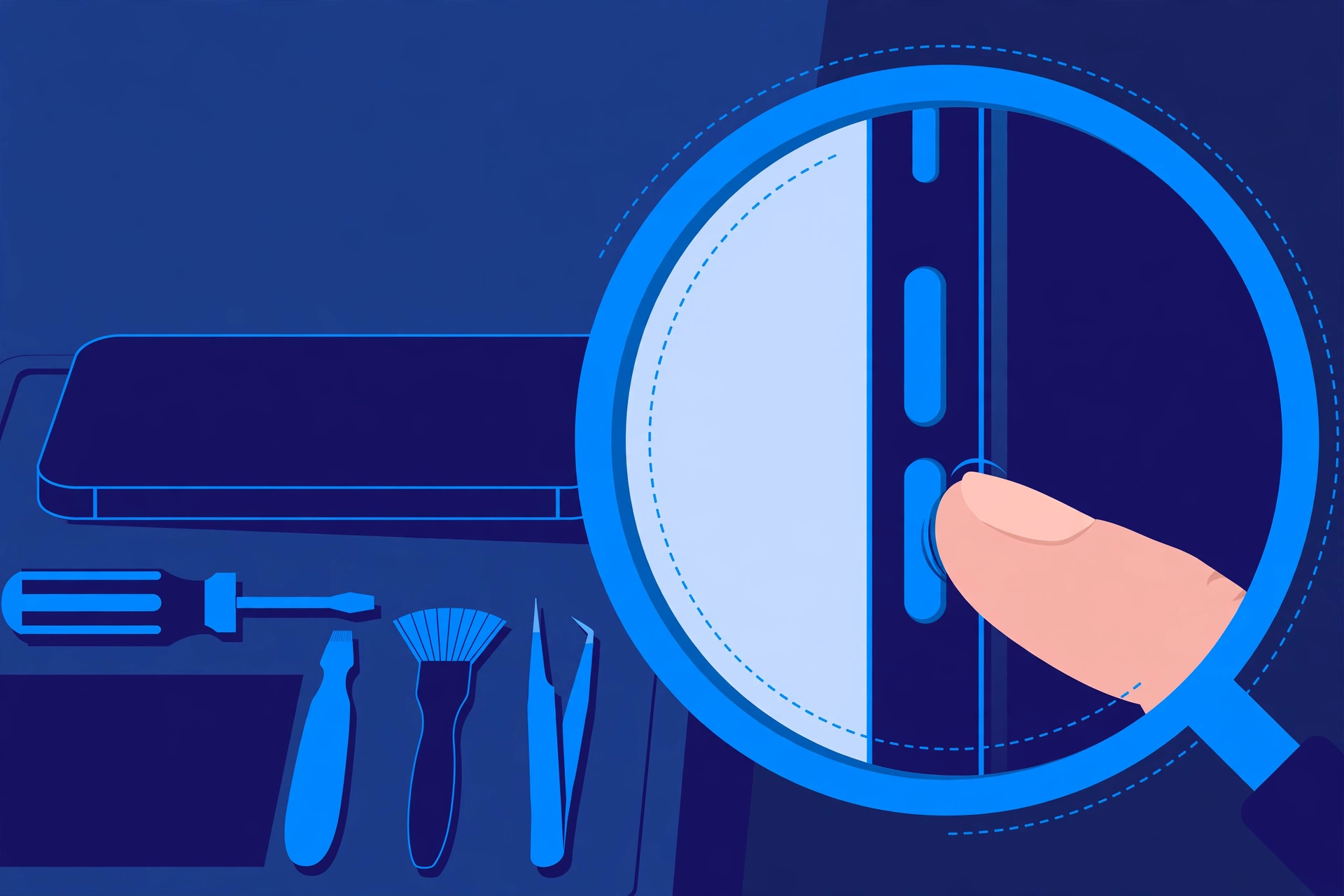
Prepared by FixUpPhone Editorial. Documentation checked October 15, 2026. Apple specifications, fees and terms are distinguished from FixUpPhone’s assessed process. No hands-on repair, technician case history, customer experience, test result or fixed FixUpPhone price is claimed. The artwork is an original illustration. Apple is not affiliated with FixUpPhone.
- Apple — iPhone 13 technical specifications (full reproduction) (buttons and Ring/Silent switch, display, cameras, Lightning, charging, IP68, wireless)
- Apple Newsroom, September 14, 2021 — Apple introduces iPhone 13 and iPhone 13 mini (from $799; available September 24, 2021)
- Apple Support — iPhone service and repair (inspection determines the final fee; tax and shipping may apply; authorised providers set their own fees)
- AppleInsider, September 14, 2021 — launch fee schedule (other damage $449 at launch; AppleCare+ fee structure) and AppleInsider, April 27, 2022 (screen $279; battery $69 at that date; no published US camera service fee)
- MacRumors, March 1, 2023 — Apple raises out-of-warranty battery costs (iPhone 13 battery fee rises $20, from $69 to $89)
- MacRumors, December 5, 2023 — Qi2 support via iOS 17.2 (Qi2 15W only with iOS 17.2 or later on this model)
- FixUpPhone — Phone Repair Services and Mail-In Phone Repair, checked October 15, 2026
- FixUpPhone — Locations, checked October 15, 2026
For corrections or device help, contact FixUpPhone.