fixupphone.com

Repair your device. Protect what matters. Stay connected.

Phone & Device Guides

Practical phone and device guides from FixUpPhone: verified specifications, buying considerations, repairability, device care and routes to local or mail-in repair enquiries.

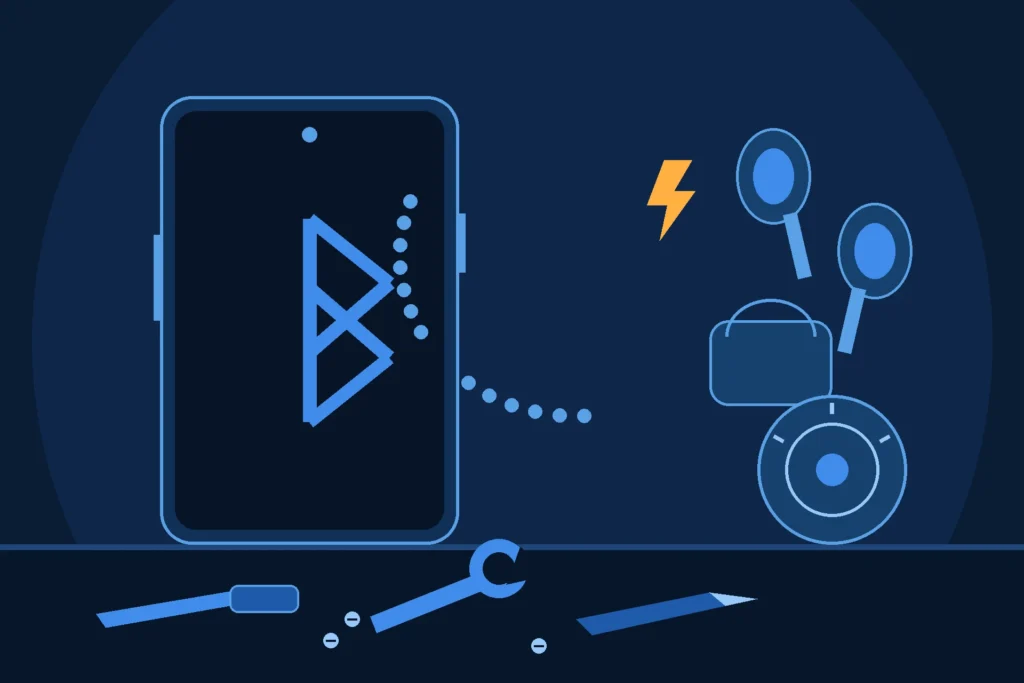
Original illustration of a smartphone with a Bluetooth rune symbol, wireless earbuds and a small speaker drifting apart above it, a broken link shape between them, and blue repair tools on a workbench
Phone & Device Guides

OnePlus 13 Bluetooth Not Working: Troubleshooting Guide

OnePlus 13 Bluetooth not working is usually the accessory, a stale pairing or a settings state — not dead hardware. This guide works the ladder in order: cross-test the accessory, restart both sides, forget and re-pair, clear the accessory’s own faults, beat interference, update OxygenOS, and only then reset network settings. Then it prices the hardware fork honestly: OnePlus publishes no Bluetooth part, so the official route is diagnosis plus its published labour range.

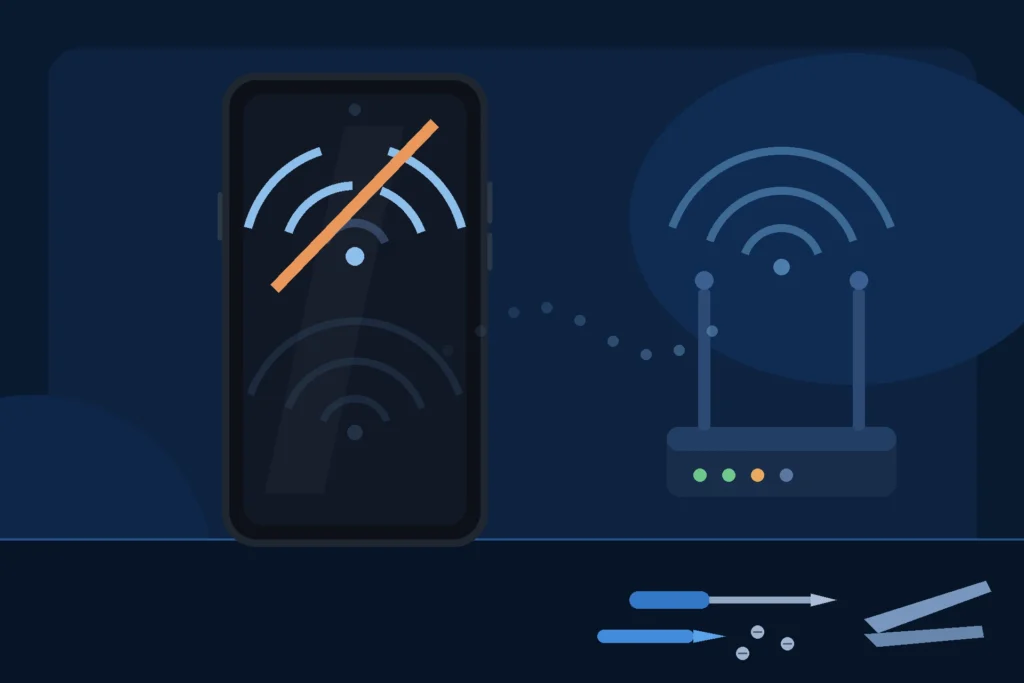
Original illustration of a smartphone showing a broken Wi-Fi symbol with a diagonal break across its arcs, a home router with healthy signal arcs beside it, and blue repair tools on a workbench
Phone & Device Guides

OnePlus 13 Wi-Fi Not Working: Network Fixes & Diagnostics

Most OnePlus 13 Wi-Fi failures are the network, a saved network or a setting — not the phone. This guide works the ladder in order: prove phone-or-network, restart in the right order, read the failure mode, forget and rejoin, update, and only then reset network settings — then separates the hardware signs (no networks anywhere, greyed-out Wi-Fi, both radios gone after a drop) and prices the repair from OnePlus’s published labour structure.

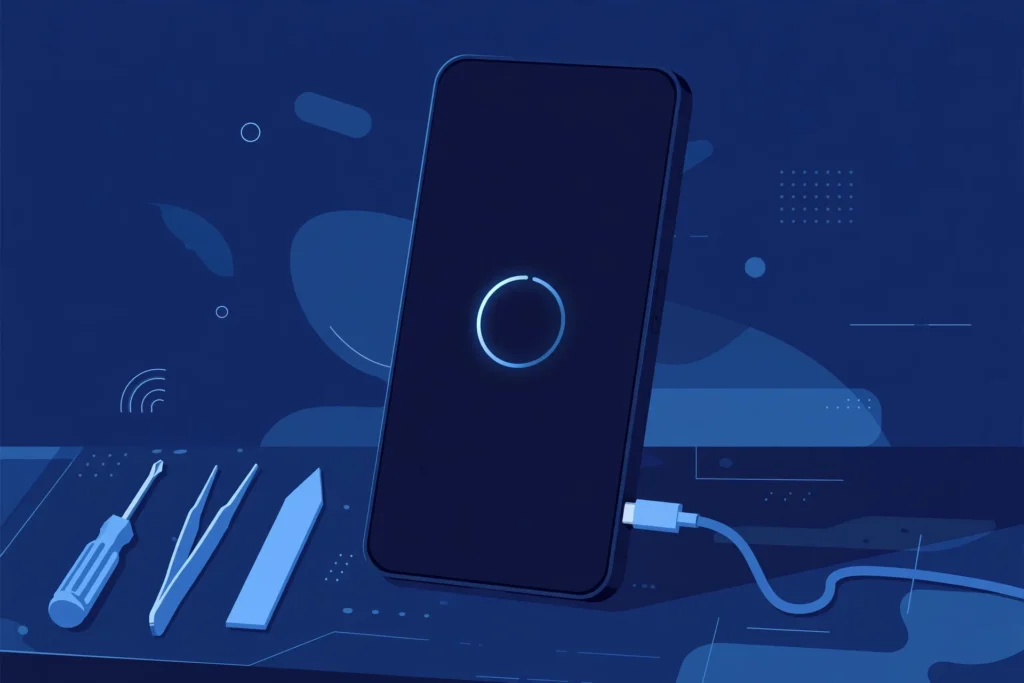
Original illustration of a large dark smartphone showing a plain glowing circular loading ring on a dark screen, plugged into a charging cable, with blue repair tools on a workbench
Phone & Device Guides

OnePlus 13 stuck on logo fix — Practical Guide, Key Considerations & Next Steps

A OnePlus 13 frozen on its boot screen is usually software, not a repair bill. This guide works the ladder in order — wait and charge, force restart, restart from recovery, recovery’s gentle options, and only then the factory reset that erases the phone — then separates the stuck-power-button impostor and prices the hardware fork from OnePlus’s published part list.

Scroll to Top