Samsung Galaxy S26 · Worth Repairing in 2026
Samsung Galaxy S26 is it worth repairing in 2026 — Practical Guide, Key Considerations & Next Steps
The base Galaxy S26 is still a current-generation phone inside its warranty year — so in 2026 the repair question is rarely “is this phone too old?” and almost always “is this one fault, or several?” This desk review routes each fault to the guide that prices it, and sets out the rule for when repair stops making sense.
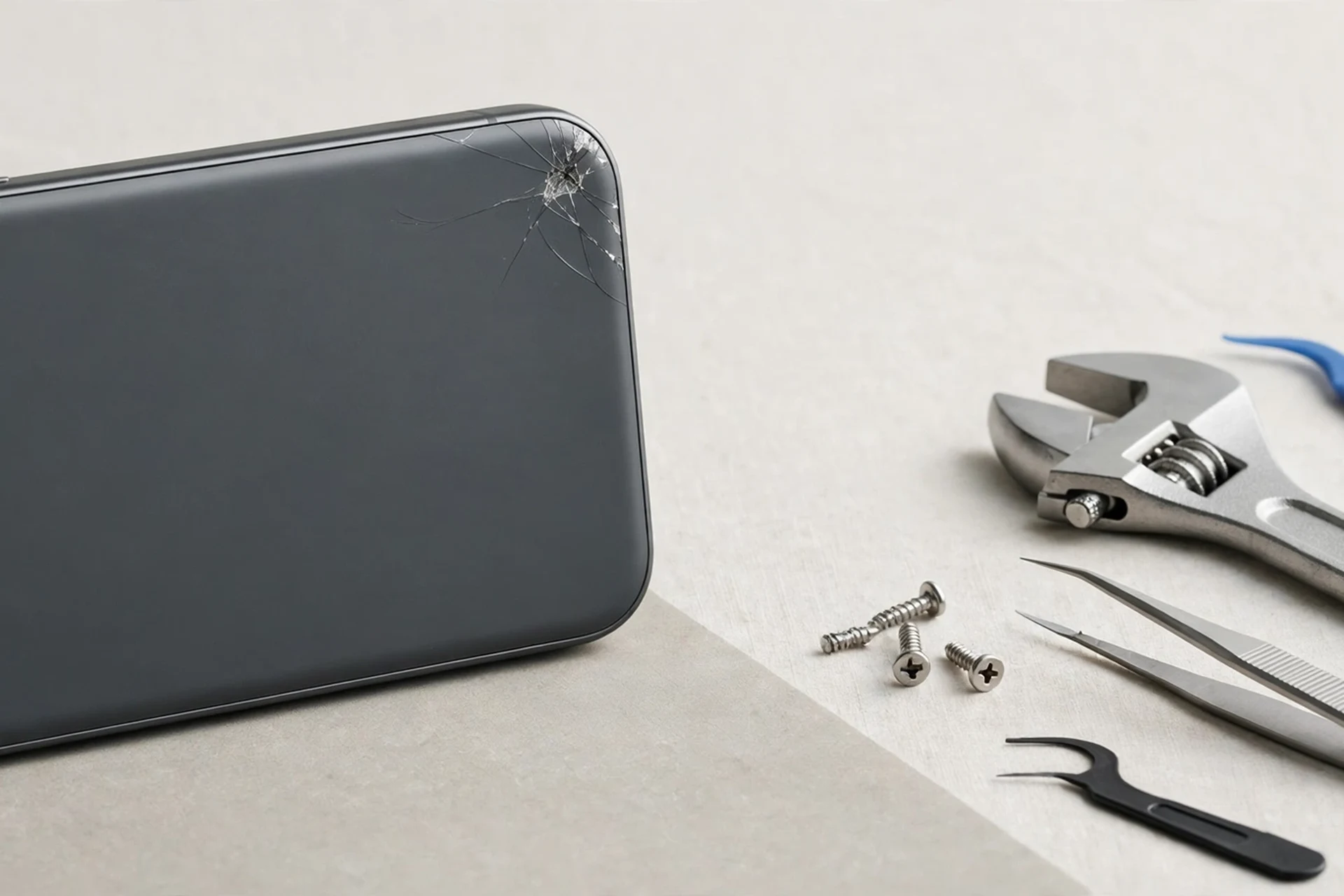
Methodology: a desk review, not a hands-on test
FixUpPhone did not bench-test this phone. This review is a desk review based on Samsung’s published specifications and repair terms and the verified fact pack for the base Galaxy S26 (checked 15 October 2026, with drift re-checks on 4 November 2026), and it labels every number by source. It is an umbrella piece: it makes no new price claims beyond what the model’s live cost guides already sourced. Where a repair has a published Samsung price, that price is stated here with its conditions; where Samsung publishes no price, this article says so and routes you to the guide that handles the quote. No number from the Galaxy S26 Ultra, the Galaxy S26+, or any Galaxy S25 model is used as a figure for this phone, and no hands-on test, score, or customer experience is invented.
Safety note: if the battery is swollen or the phone is hot, stop using it, do not charge it, do not puncture or press the swollen area, and never mail a hot or swollen phone. Contact support@fixupphone.com first for safe handling instructions. Liquid damage needs a professional assessment even if the phone still turns on — drying it at home does not make it safe or reliably repairable.
Quick Expert Summary
Verdict in one line: yes — repair a Galaxy S26 in 2026 when the fault is single, the frame is straight, and the quote is a modest share of the current $999.99 list price; reconsider only when faults stack, the frame is bent, or liquid damage is involved.
- Age is not the argument against repair: released 11 March 2026, this phone is still inside Samsung’s standard 1-year warranty until at least March 2027.
- The one published repair price: Samsung’s suggested front-screen price is $209 (may vary, excludes taxes/fees), only when the frame is not bent/broken, the battery is not swollen, and no other hardware failure is found.
- Everything else is a quote: battery, back glass, rear camera and charging-port US prices are not published by Samsung — they are quoted after diagnosis, as are FixUpPhone’s repairs.
- The stacking rule: add the quotes together. One repair is almost always worth it; several at once may not be.
- Warranty first: a defect inside the warranty year — swelling is the classic example — should go through Samsung or Care+ before any paid repair.
1. Specifications that affect the repair decision
All figures in this section are manufacturer specifications from Samsung unless noted.
| Display | 6.3-inch Dynamic AMOLED 2X, 2340 × 1080 (spec databases / launch lists), 1–120Hz adaptive, 2,600-nit peak |
|---|---|
| Build | Armor Aluminum frame; Gorilla Glass Victus 2 front and back; 149.6 × 71.7 × 7.2 mm; 167 g |
| Chip (US) / memory | Snapdragon 8 Elite Gen 5 (US; Exynos 2600 in most other regions); 12GB RAM; 256GB / 512GB only; no microSD |
| Cameras | 50MP Wide ƒ/1.8, 24mm, OIS; 12MP Ultra Wide ƒ/2.2, 13mm, 120°; 10MP Telephoto ƒ/2.4, 67mm, 3x optical, OIS; 30x maximum digital zoom; front 12MP ƒ/2.2 |
| Battery / charging | 4,300 mAh typical / 4,175 mAh rated; up to 30 hours video playback (manufacturer claim); 25W wired, up to 55% in around 30 minutes; 15W wireless; 4.5W reverse |
| Water resistance | IP68 under lab conditions: 1.5 m freshwater for 30 minutes; not permanent; liquid damage is NOT warranty-covered |
| SIM (US) | SM-S942U/U1: physical nano-SIM plus eSIM, maximum two lines active |
| Software at launch | Android 16 / One UI 8.5 |
What is deliberately not in this phone: no S Pen, no Privacy Display, no ProScaler, no 5x periscope camera, no 100x zoom, no 1TB tier, and no built-in Qi2 magnets (the model is Qi2 Ready; magnetic alignment requires a Magnet Case). A repair cannot add any of these — if one of them is the real reason you are considering a new phone, that is an upgrade decision, not a repair decision.
2. Analysis: fault by fault — what to repair, what to reconsider
Cracked front screen: repair, in most cases
The screen is the one repair with a published Samsung price, and it is the clearest repair case in this article: $209 suggested (may vary by region/authorised store, excludes taxes/fees), front screen only, and only when the frame is not bent/broken, the battery is not swollen, and no other hardware failure is found. If those conditions fail, the repair routes to the Screen Module tier (screen + bezel/frame + battery), which Samsung lists as “–” with no published price, or to a full quote. The full discussion, including Care+ claim fees ($29 screen standard, $0 with Theft and Loss), is in the model’s Screen Replacement Cost guide. A cracked screen alone, on a straight frame, is a repair — not a reason to spend $999.99.
Fading battery: repair, after diagnosis
Samsung publishes no battery price for this model, so the battery decision turns on the quote and on the diagnosis. Care+ covers battery repair subject to a diagnostic confirming 79% or less capacity. The EU label’s 80% retention after 1,200 cycles is regulatory context, not a replacement deadline. Swelling, heat, or a lifting back or screen moves the job from routine to urgent (see the safety note above). The decision framework — thresholds, the stacking rule, and the economics — is set out in the companion Battery Replacement Cost guide and the battery-versus-upgrade review; this article does not restate their depth.
Back glass, camera, and charging port: repair if the quote is modest
Back glass, rear camera and charging-port US prices are likewise not published by Samsung and are quoted after diagnosis — see the Back Glass Repair Cost, Camera Repair Cost and Charging Port Repair Cost guides. Each is worth doing on its own for a healthy phone. A camera fault deserves a special check first: confirm whether the fault is the lens, the sensor, or software, because the guides distinguish those paths and the quote depends on the answer.
Water damage, speakers, microphones, and buttons: diagnose before deciding
Water damage is the fault where “repair” is least certain: IP68 protection is a lab-condition rating (1.5 m freshwater, 30 minutes), it is not permanent, and liquid damage is not warranty-covered. The Water Damage Repair Cost guide covers the assessment path. Speaker, microphone and power-button faults are usually single-part repairs — see the Speaker Repair Cost, Microphone Repair Cost and Power Button Repair Cost guides — but a fault that appears after liquid exposure should be treated as a water-damage assessment first, not as an isolated part swap.
When repair stops making sense
Three situations flip the answer. First, stacked faults: battery plus screen plus port, once quoted together, can approach replacement territory — add them up before deciding. Second, a bent or broken frame: it disqualifies the $209 front-screen tier and usually widens the repair scope. Third, liquid damage with multiple failing systems, where the assessment may find corrosion that no single part swap fixes. In all three cases, get the full quote before choosing, and compare it with the current list price ($999.99 / $1,199.99, October 2026) — never with the March launch prices ($899.99 / $1,099.99, historical only). Reports attribute the October rise to the global memory-component shortage; that attribution is not presented as a confirmed Samsung statement.
Software faults are not hardware repairs
Freezing, restarting, overheating, or a phone stuck on its logo may be software, battery, or board problems, and the troubleshooting guides — Battery Draining Fast, Overheating, Stuck on Logo, Randomly Restarting — should be worked through before any part is ordered. Paying for a part that a reset or a charger swap would have fixed is the most avoidable repair expense there is.
3. Pros & Cons
Pros of repairing
- Keeps a current-generation phone — Snapdragon 8 Elite Gen 5 (US), 12GB RAM, 120Hz display — in service for a fraction of the $999.99 replacement cost.
- A single screen repair has a published anchor: $209 suggested, with $29 / $0 Care+ claim fees where cover applies.
- The phone is still inside its warranty year until at least March 2027, so defect repairs may cost nothing through Samsung or Care+.
- Repair preserves your storage tier, SIM setup (nano-SIM plus eSIM, US model), and data — no migration, no new setup.
Cons of repairing
- Most repair prices are not published, so budgeting requires a quote after diagnosis — there is no full price table to plan from.
- A bent frame disqualifies the $209 tier and widens the scope; liquid damage may not be economically repairable at all.
- Repair cannot add storage (no microSD, no 1TB tier), a 5x camera, an S Pen, or any feature this model lacks.
- An ageing phone repaired once may need a second repair soon after — the stacking rule exists for exactly that reason.
4. Buying a repair: the checks that matter
Before authorising any repair, confirm three things: whether the fault is covered by warranty or Care+ (check first — a covered repair changes the economics completely), whether the frame is straight and the battery is not swollen (both affect eligibility for the $209 screen tier), and whether any other fault is hiding behind the obvious one. Ask for the quote after assessment in writing, including whether taxes and fees are included — Samsung’s $209 figure explicitly excludes them. If the phone was exposed to liquid, say so at intake: it changes the assessment, and hiding it helps nobody. Back up before handing the phone over, whatever the fault.
Repair angle: this section is the whole article in miniature — route each fault to its guide, get the quote, add stacked quotes together, and compare with $999.99 / $1,199.99. That sequence, followed honestly, answers the “worth repairing?” question for almost every Galaxy S26 in 2026.
5. Repairability: the umbrella view
The EU label rates this model’s repairability Class C (regulatory context, not a Samsung claim). In practical terms, screen repair is a routine, published-price job when the frame is straight; battery replacement is a service job (the battery is not user-removable); and the remaining repairs are diagnosis-led. Samsung’s repair warranty is 90 days with a 5–7 business-day mail-in estimate; FixUpPhone’s terms are 1–7 days, a 3-month warranty, and a quote after assessment (see the Repair section). Neither set of terms changes the core judgement: a healthy, straight, dry phone with one fault is worth repairing.
6. Repair & Mail-In: Samsung Galaxy S26
FixUpPhone publishes no fixed repair price: you receive a quote after assessment. Samsung’s published position for this model — the only figures this umbrella article adds — is summarised below; all other repair prices are quoted after diagnosis through the guides linked above.
| Item | Published figure |
|---|---|
| Front-screen repair (Samsung) | $209 suggested, may vary, excludes taxes/fees; eligibility conditions apply |
| Screen Module tier (Samsung) | “–” — no published price |
| Battery / back glass / camera / port (Samsung) | Not published — quoted after diagnosis |
| Care+ screen / back glass | $29 / $29; $0 / $0 with Theft and Loss; battery subject to a diagnostic confirming 79% or less capacity |
| Samsung repair warranty / mail-in | 90 days / 5–7 business days estimate |
FixUp stores
- Lynwood: 3100 E Imperial Hwy, Store M1002, Lynwood, CA 90262 — open daily 11 AM–8 PM — (805) 857-4225
- Santa Barbara: 619 A State St, Santa Barbara, CA 93101 — Mon–Fri 11 AM–8 PM, Sat 10 AM–8 PM, Sun 12 PM–7 PM — (805) 857-4226
- Las Vegas: 875 S Grand Central Pkwy, Unit TT32, Las Vegas, NV 89106 — Mon–Sat 10 AM–8 PM, Sun 10 AM–7 PM — (818) 482-3605
Mail-in repair
Mail-in is available nationwide. You pay the inbound postage and FixUp pays the return postage. Back up first, confirm your mail-in instructions before shipping, and never mail a hot or swollen phone — contact support@fixupphone.com first. Repairs take 1–7 days once the phone is received, and carry a 3-month warranty.
What to do first
- Back up the phone before any repair.
- Check warranty and Care+ cover before paying for anything.
- Note frame damage, swelling, heat, or liquid exposure — they change the diagnosis and the tier.
- Get the quote after assessment before authorising work.
7. Decision
Repair the Galaxy S26 in 2026 when the fault is single, the frame is straight, the phone is dry, and the quote is a modest share of $999.99. Reconsider when faults stack, the frame is bent, or liquid damage has affected several systems — in those cases, get the full quote, compare it honestly with the current list price, and only then choose between repair and replacement. For a phone this new, with its warranty year still running, “too old to repair” is almost never the right reason; “too many faults at once” sometimes is.
FAQ
Is it worth repairing a Galaxy S26 in 2026?
Yes, in most cases. The phone was released 11 March 2026 and is still inside its warranty year until at least March 2027, so age alone is not a reason to replace it. Repair wins when the fault is single and the quote is a modest share of the current $999.99 list price; reconsider when several faults stack or the frame is bent.
How much does a Galaxy S26 screen repair cost?
Samsung’s suggested front-screen price is $209, which may vary by region or authorised store and excludes taxes and fees, and only applies when the frame is not bent/broken, the battery is not swollen, and no other hardware failure is found. The Screen Module tier has no published price. Full detail is in the Screen Replacement Cost guide.
How much does a Galaxy S26 battery replacement cost?
Samsung US publishes no battery price for this model; it is quoted after diagnosis, as are FixUpPhone repairs (1–7 days, 3-month warranty, quote after assessment). Care+ covers battery repair subject to a diagnostic confirming 79% or less capacity. See the Battery Replacement Cost guide.
Is back glass, camera or charging-port repair published?
No. Samsung US publishes no US prices for back glass, rear camera or charging-port repair on this model; all are quoted after diagnosis. This article adds no new price claims for them — see each fault’s own cost guide, linked in the analysis.
Should I repair a Galaxy S26 with water damage?
Get a professional assessment first. IP68 protection is a lab-condition rating (1.5 m freshwater, 30 minutes), it is not permanent, and liquid damage is not warranty-covered. If several systems fail after exposure, repair may not be economical — the Water Damage Repair Cost guide covers the assessment path.
Does a bent frame change the repair?
Yes. A bent or broken frame disqualifies the $209 front-screen-only tier, because Samsung’s eligibility conditions require an undamaged frame, a non-swollen battery, and no other hardware failure. The repair then routes to the Screen Module tier or a full quote.
Is my Galaxy S26 still under warranty?
Yes, if bought at or after the 11 March 2026 US release: Samsung’s standard 1-year warranty runs until at least March 2027. Check warranty and Care+ cover before paying for any repair — a defect repair may cost nothing.
How long does a FixUpPhone repair take?
Repairs take 1–7 days, carry a 3-month warranty, and are quoted after assessment. Mail-in is available nationwide: you pay inbound postage, FixUp pays return postage, and you must back up first and confirm instructions before shipping. Never mail a hot or swollen phone.
Desk review — no hands-on testing by FixUpPhone · Every number labelled by source · Sources dated in the sources section
FixUp repairs: 1–7 days · 3-month warranty · Quote after assessment · Mail-in: you pay inbound, FixUp pays return
Questions? support@fixupphone.com · Lynwood (805) 857-4225 · Santa Barbara (805) 857-4226 · Las Vegas (818) 482-3605
Sources
- Samsung US Support — Cracked Screen Repair page (samsung.com/us/support/cracked-screen-repair): base Galaxy S26 front-screen $209 suggested, may vary, excludes taxes/fees, with front-only eligibility conditions; Screen Module tier “–”; battery, back glass, camera and port prices not published. Page text re-confirmed 4 November 2026.
- Samsung US Support — Samsung Care+ page: $29 screen / $29 back glass standard Care+, $0 / $0 with Theft and Loss, battery repair subject to a diagnostic confirming 79% or less capacity, lost/stolen deductible $99–$199 range, 90-day repair warranty, 5–7 business-day mail-in estimate. Verified pack checked 15 October 2026.
- October 2026 US list prices: $999.99 / $1,199.99 from 1 October 2026, launch $899.99 / $1,099.99 (March 2026); reports attribute the rise to the global memory-component shortage — not presented as a confirmed Samsung statement. Re-confirmed 4 November 2026 via October 2026 price-rise reporting.
- Verified pack + addendum (checked 15 October 2026): release 11 March 2026 (announced 25 February 2026), 1-year warranty until at least March 2027, IP68 lab conditions (1.5 m freshwater, 30 minutes, not permanent, liquid damage not warranty-covered), 4,300 mAh typical / 4,175 mAh rated, up-to-30-hour video claim (31-hour instances flagged, still present 4 November 2026), Armor Aluminum, Gorilla Glass Victus 2 front and back, 149.6 × 71.7 × 7.2 mm, 167 g, Qi2 Ready with Magnet Case alignment.
- EU energy label (regulatory context only): 51-hour standardised endurance, 80% retention after 1,200 cycles, Class A energy / Class A free-fall / Class C repairability.
- FixUpPhone live guides (internal links, no new price claims added here): Screen, Battery, Back Glass, Camera, Charging Port, Water Damage, Speaker, Microphone and Power Button Replacement Cost guides, plus Battery Draining Fast, Overheating, Stuck on Logo and Randomly Restarting troubleshooting guides — all base Galaxy S26 guides (FUP-0761–0780 block) with full base-model slugs.
- UWB / mmWave / satellite: conflict unresolved at the 4 November 2026 re-check; this article claims neither presence nor proven absence for this model.