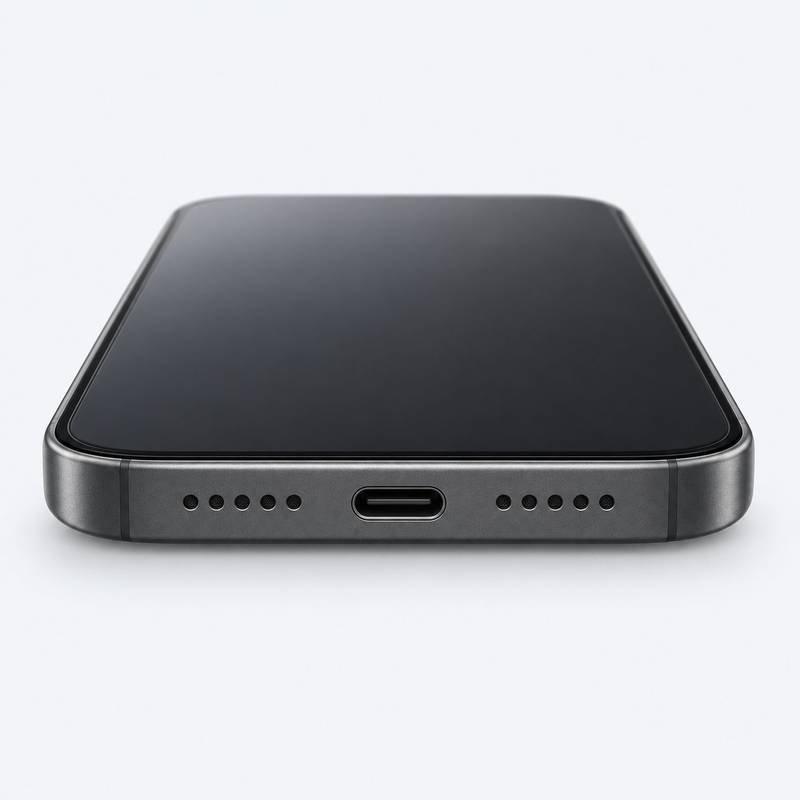
FixUp · Las Vegas, NV
Charging Port Repair
in Las Vegas, NV
Phone & tablet charging problems
Unit TT32
S Grand Central Parkway
Charging Port Repair that starts with your device
If your device only charges at an angle or repeatedly disconnects, start by describing the full charging setup. The cable, charger, port and other components may all be relevant. An assessment helps establish which work, if any, is appropriate.
For charging trouble during a Las Vegas stay, tell the TT32 team whether the problem occurs with one charger or several. If the phone is needed for your departure or travel plans, explain that constraint before arranging a visit and agreeing to any repair.
Repair options to discuss
Request charging help for an iPhone, Samsung, Google Pixel, iPad or other tablet, subject to model support. Explain whether the fault involves a wired connection, a loose fit, a damaged connector or another charging method. Confirm the proposed work rather than assuming the port must be replaced.
See the wider repair service categories →Symptoms to describe
- The cable connection feels loose or disconnects.
- Charging starts and stops without being unplugged.
- The device does not respond to the usual charger.
- Charging trouble after impact or liquid exposure.
Before your Las Vegas visit
Bring the exact model and tell the team which cable and charger have been tried. Ask whether bringing those accessories would help. Describe any visible connector damage without trying to force the connection or choosing a replacement part yourself.
Ask a question before visiting →Plan around Unit TT32
If you are fitting a repair into a day out or leaving Las Vegas soon, tell the team your collection deadline before agreeing to work. Ask what can be assessed during your visit and what may need a part or a return trip. Opening hours are not a promise that every repair finishes before closing.
Call (818) 482-3605 to discuss your device and timing. An online booking records a request; the team must confirm the arrangements.
Your next steps
From assessment to collection
Request help
Choose Las Vegas in the booking flow or call the store with the model and symptoms.
Discuss the assessment
Ask about the diagnosis, proposed parts, quote and expected timing before agreeing to work.
Approve the work
Confirm what you want carried out. Additional damage or unavailable parts may affect the options.
Review & collect
Discuss the outcome, post-repair checks and any applicable care or warranty instructions when collecting.
Visit S Grand Central Parkway
FixUp – Las Vegas
Las Vegas, NV 89106
| Monday–Saturday | 10 AM–8 PM |
|---|---|
| Sunday | 10 AM–7 PM |
Call to confirm the work you need, parts availability and any holiday-hour changes before a special trip.
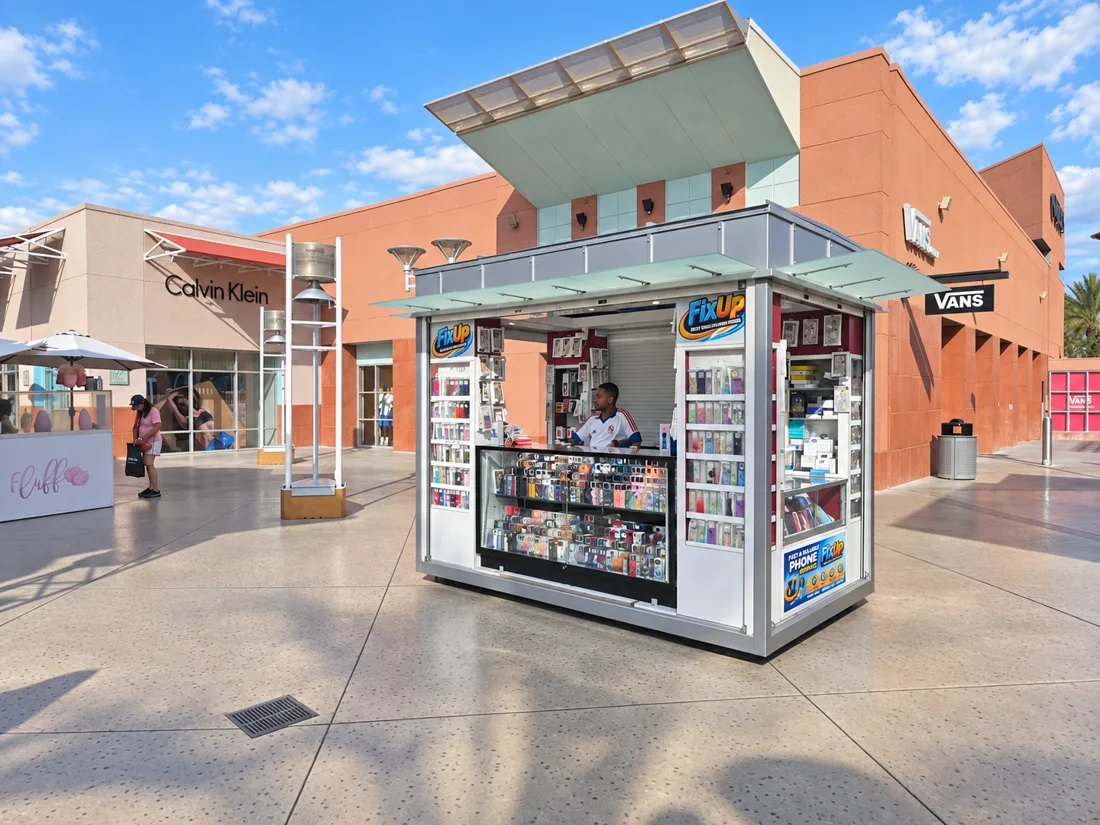
Use Unit TT32. Call the store for current parking or access guidance.
Open directions ↗Find the right FixUp on Google
Use 875 S Grand Central Pkwy, Unit TT32, Las Vegas 89106 to find this store’s listing. If you have visited this location, you can share your experience on the corresponding business profile.
Useful answers before your visit
Charging Port Repair in Las Vegas: FAQs
Is every charging problem a damaged port?
No. The symptoms alone do not identify the cause. Explain your cable, charger and device behavior so the team can guide the assessment.
Should I bring my cable and charger?
Call first and describe the fault. The store can advise whether those accessories are useful for your assessment.
Can I request tablet charging-port help?
Yes, give the tablet brand and exact model and confirm that the required assessment or repair is available before visiting.
What if charging trouble started after liquid exposure?
Tell the team about the exposure at the start. Ask about diagnostic options, since the work may involve more than the connector itself.
Where should I go after reaching S Grand Central Parkway?
Look for the FixUp kiosk at Unit TT32, 875 S Grand Central Pkwy, Las Vegas, NV 89106. Call the kiosk for help finding the unit or for parking and access guidance. The map pin identifies the street address rather than a precise indoor route.
When is the Las Vegas store open?
Monday–Saturday: 10 AM–8 PM; Sunday: 10 AM–7 PM. Call before holiday or special-trip visits to check for changes.
What if I need my device back before leaving S Grand Central Parkway?
For charging trouble during a Las Vegas stay, tell the TT32 team whether the problem occurs with one charger or several. If the phone is needed for your departure or travel plans, explain that constraint before arranging a visit and agreeing to any repair.
Can I use mail-in repair instead of visiting Las Vegas?
The existing booking page offers a Mail-In Repair path. Request instructions and confirm the arrangements with the team before shipping. A preferred date or online request is not a confirmed appointment.
More repair options in Las Vegas
Choose the topic that matches your device or symptom. Availability is checked for the exact model.
Considering repair or replacement?
Think about the assessment, the device’s condition and how long you want to keep it. You can also request a trade-in quote, subject to evaluation.
Read the repair-or-replace guide →Request a trade-in quote →
Need another way to reach us?
Ask about the Mail-In Repair path if visiting this store is not convenient, or compare the other FixUp locations.
In-store & mail-in requests →All FixUp locations →
Let’s discuss your charging port repair.
FixUp Las Vegas · 875 S Grand Central Pkwy, Unit TT32
Las Vegas, NV 89106
Device-specific assessment · Confirm parts, quote & timing with the store