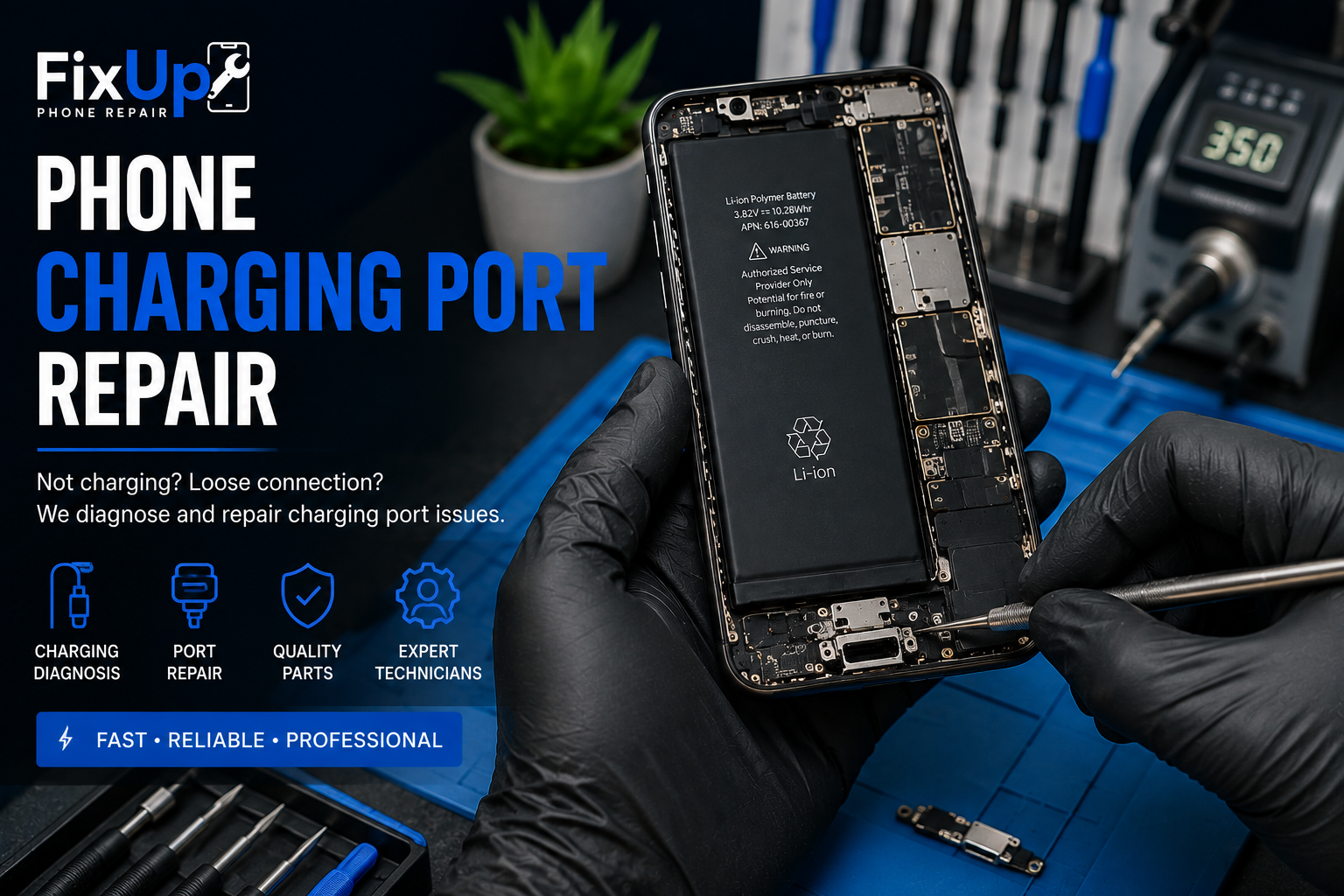
Phone Charging Port
Repair
If your phone only charges at certain angles, the cable feels loose,
charging stops unexpectedly or the device will not charge at all,
the charging system should be diagnosed. FixUp Phone Repair provides
professional phone charging port repair for many iPhone, Samsung Galaxy,
Google Pixel, Motorola and other smartphone models.
Charging
Diagnosis
Port
Repair
Post-Repair
Testing
Professional
Technicians
Recommended:
Close-up technician repairing
a smartphone USB-C or Lightning charging port
Signs Your Phone Charging Port May Need Repair
A damaged or contaminated charging port can cause several
different charging symptoms. Diagnosis helps determine whether
the port is actually the source of the problem.
Phone Won’t Charge
The charger is connected, but the phone does not recognize
the connection or begin charging.
Cable Feels Loose
The charging cable does not sit securely or disconnects
with slight movement.
Intermittent Charging
Charging repeatedly starts and stops or only works
when the cable is positioned at a certain angle.
Damaged Port
Bent contacts, visible debris or physical damage
may interfere with the connection.
Charging Port Repair by Phone Brand
FixUp provides charging diagnosis and repair options
for many popular smartphones. Port type and repair availability
vary by exact device model.
iPhone Charging Port Repair
Supported Lightning and USB-C iPhones
Samsung Charging Port Repair
Supported Galaxy devices
Google Pixel Charging Repair
Supported Pixel USB-C devices
Motorola Charging Port Repair
Moto, Edge and supported Razr models
Other Smartphones
Ask us about your exact phone model
Phone Charging Problem Guide
| Charging Problem | Possible Cause | Recommended Step |
|---|---|---|
| Not Charging | Cable, adapter, battery, port or internal issue | Charging diagnostic |
| Loose Cable | Debris, wear or physical port damage | Port inspection |
| Charges at an Angle | Port contamination or connection damage | Charging-port diagnostic |
| Slow Charging | Charger, cable, battery, software or port issue | Full charging-system inspection |
| Charging Stops Randomly | Connection, cable or internal problem | Professional diagnostic |
| Visible Port Damage | Bent or damaged connector components | Port repair evaluation |
| Debris in Port | Lint or contamination blocking connection | Professional inspection / cleaning |
A phone that will not charge does not automatically need
a new charging port. Diagnosis can help identify whether the
problem involves the cable, battery, port or another component.
Charging Issue Priority Guide
Monitor / Inspect
Inspect Soon
Repair Likely
High Priority
Diagnose Promptly
This graphic is general guidance only. It is not a technical
diagnosis and does not represent FixUp customer statistics.
Damaged Port to Reliable Connection
Use real FixUp close-up photos here to show completed
charging-port repair work.
Damaged / dirty charging port
Repaired charging port
How Phone Charging Port Repair Works
Bring Your Phone
Visit a FixUp location with the device and charger if available.
Charging Diagnosis
We inspect the cable connection, port and relevant charging symptoms.
Repair the Issue
Once approved, the appropriate charging-port repair is performed.
Test Charging
Relevant charging and connection functions are checked after repair.
Ready for Pickup
Your repaired phone is prepared for return.
Charging Port Problem or Battery Problem?
Charging symptoms can be misleading. A phone that charges slowly,
shuts off while charging or does not hold a charge may have a
battery issue rather than a damaged port. Likewise, a loose or
intermittent cable connection may point more strongly toward the port.
FixUp can inspect the device before recommending replacement parts.
More FixUp Repair Solutions
Phone Charging Port Repair FAQs
How do I know if my charging port is damaged?
Common signs include a loose cable connection, charging only at
certain angles, repeated charging interruptions or visible port damage.
A diagnostic inspection can confirm the likely cause.
Can a phone charging port be repaired?
Yes. Charging-port repair is available for many supported smartphones.
The exact repair depends on the device design and type of damage.
How long does charging port repair take?
Repair time depends on the phone model, required part, damage
and current workload. Contact your nearest FixUp location for
current turnaround information.
Why does my phone only charge at an angle?
This can be caused by debris, port wear, cable damage or an
internal connection issue. Professional diagnosis can help identify
the cause.
Can you repair an iPhone charging port?
Charging-port repair and diagnosis are available for many supported
iPhone models.
Do you repair Samsung charging ports?
Yes. FixUp provides charging diagnosis and port-repair options
for many Samsung Galaxy devices.
Can you repair Google Pixel or Motorola charging ports?
Yes. Repair availability depends on the exact Pixel or Motorola
model and compatible parts.
Should I clean my charging port myself?
Avoid inserting metal objects or using methods that could damage
the contacts. If debris is suspected and the device is not charging
properly, professional inspection is the safer option.
Do I need an appointment?
Walk-in service may be available. Contact your nearest FixUp location
for current charging-port repair availability.
Phone Not Charging Properly?
If your cable feels loose, charging keeps disconnecting or your
smartphone will not charge at all, bring it to FixUp Phone Repair.
We’ll inspect the charging system and explain the available repair options.